0.00.40
INTRODUCTION
01OCT08 DONOTDUPLICATE ForSimulatorUseOnly
PMDG MD-11
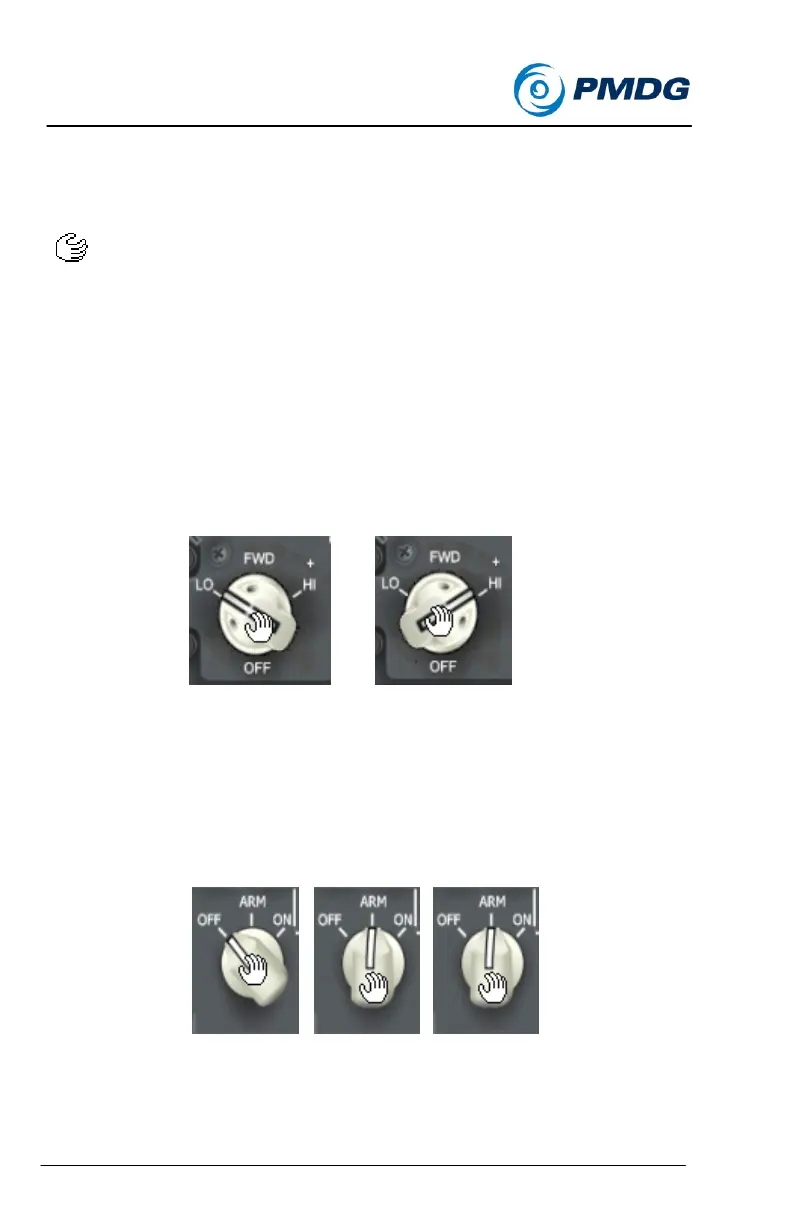
Press either the right mouse button or turn the mouse wheel up to turn
the knob to the right. While doing so the cursor will also rotate to the
right as seen below:
Two Position Knob/Switch:
On the PMDG MD-11 flight deck there are a broad range of knobs and
switches that will be moved using the left and right click action
described above. For knobs/switches with two positions, left and right
clicking on the switch will move the switch between the two positions.
Multiple Position Knob/Switch:
For knobs/switches with multiple positions, or with a range of positions
(such as a temperature selector knob) successive right or left clicks will
cause the switch to continue moving in the direction of the click until
reaching the full limit of the knob’s available motion.
For knobs that do not have distinct position detents, holding down the
left or right mouse button will cause the knob to scroll through its
available range of motion in the same direction as the mouse click.


 To Next Page
 Loading...