0.00.47
INTRODUCTION
ForSimulatorUseOnly DONOTDUPLICATE 01OCT08
PMDG MD-11
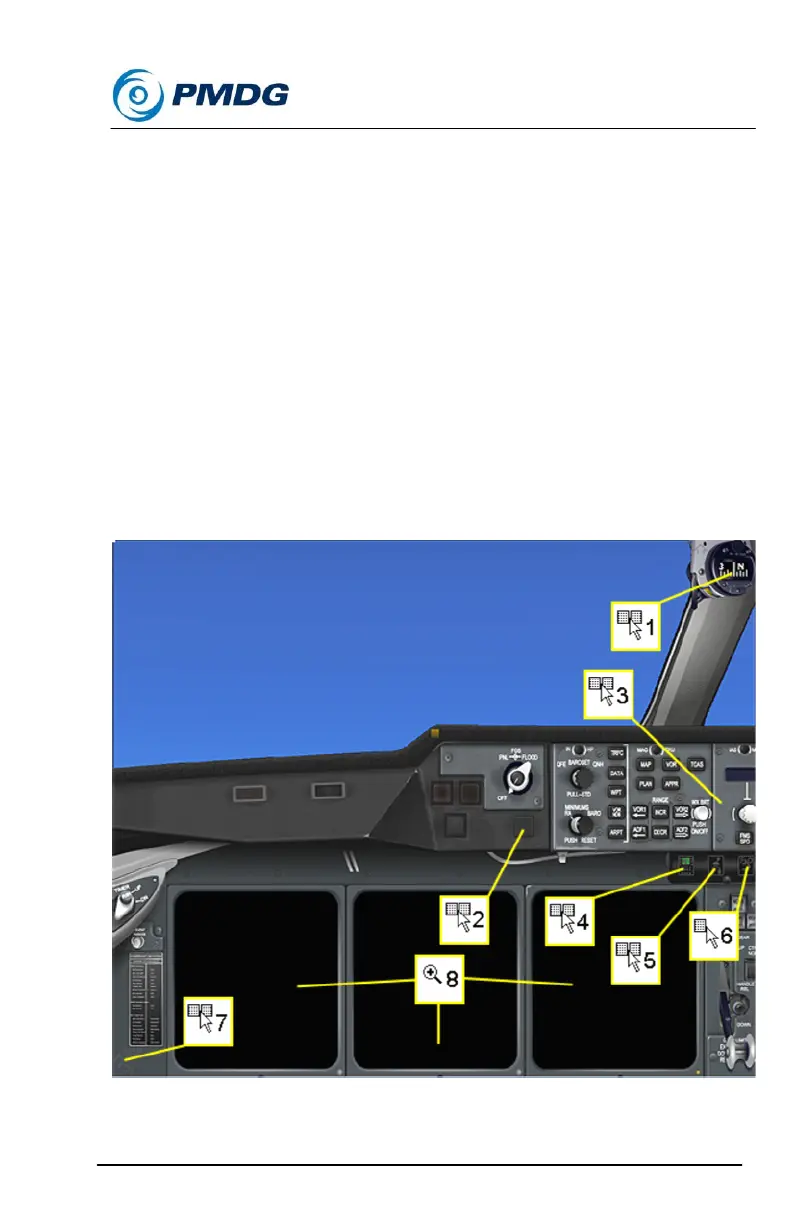
A left mouse click when the “+” cursor is displayed will open the display
unit on a new window of larger dimensions. This window will initially be
displayed at the bottom left corner (over the PFD) but it can be dragged
to any location.
The same window is used for all Display Units. If for example a zoomed
version of the ND displays on this window, then if you click the zoom
click-spot on the PFD frame no additional zoomed window will open for
the PFD, but the display on the already open window will change from
ND to PFD.
When the zoomed window is open a “-“cursor will display on both the
zoomed window click-spot and the corresponding normal display click-
spot. Use the left mouse click on either click-spot to close the zoomed
window.
2D Panel Click Spots Overview:



 To Next Page