0.00.46
INTRODUCTION
01OCT08 DONOTDUPLICATE ForSimulatorUseOnly
PMDG MD-11
Close Panel Cursor:
This cursor indicates that you can use the left mouse button to close
the current panel window. The mouse click spot is usually located on
the top-left corner of the panel window.
Close or Isolate Panel Segment Cursor:
This cursor is used for overhead panel components or the entire
overhead panel is displayed. The mouse click spot is usually located on
the top-left corner of any sub-panel within the overhead panel. This
cursor’s functionality varies depending upon whether you are looking at
the entire overhead panel, or just a single overhead panel sub-
component, as described below:
a. When the whole overhead panel window is displayed:
Use the left mouse button on any of the overhead panel components to
close the whole overhead panel window.
Use the right mouse button on any of the overhead panel components
to isolate the specific panel component. This operation will close the
whole overhead panel window but will keep the specific panel
component open in a predefined position on the top of the screen.
b. When only the panel component is displayed:
Use the left mouse button to close the overhead panel window sub-
component.
Use the right mouse button to close the panel window component and
open the whole the whole overhead panel window.
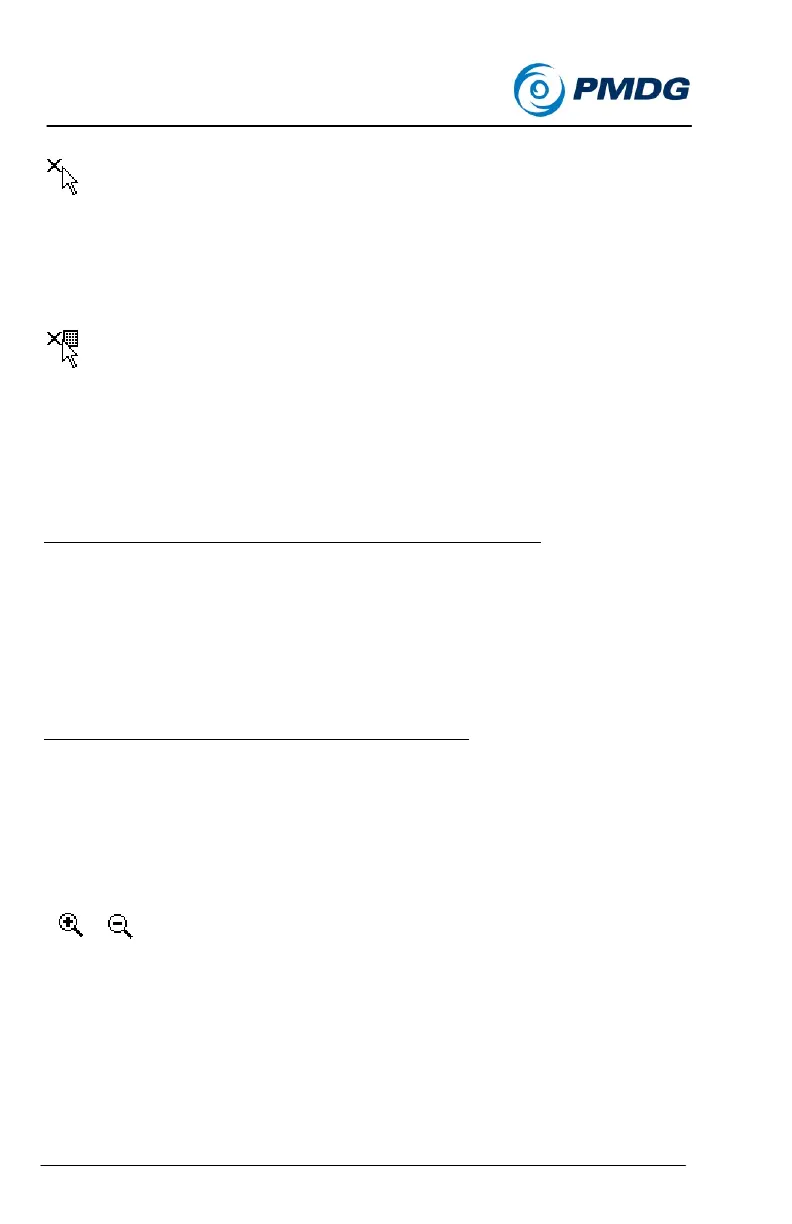
Zoom Display Cursor:
This cursor is displayed when the mouse is moved over pre-defined
spots related to the six display units on the main panel. The mouse
click spots are located at the center of the bottom frame of each Display
Unit.


 To Next Page
 Loading...