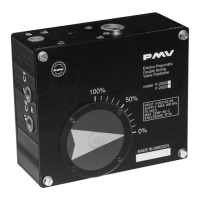
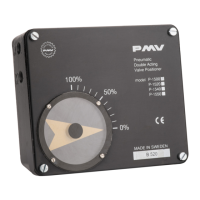
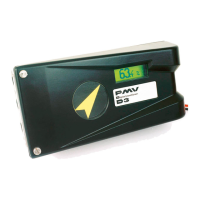
1. With power applied to the D3, use
the key pad and navigate to CALIBRATE
> EXPERT CAL > POT. The D3 display
should now read like 1.
2. Press the Down arrow key to stroke
the valve to the correct position. Press
the OK button once valve is at 0%
position.
3. Turn the pot gear in the direction the
D3 display says using the F5-22 tool
supplied with the remote feedback
unit. Once the pot gear is correct, ‘POT
OK’ will be displayed on the D3’s LCD.
Press OK.
NOTE: If the D3 never says POT OK,
and keeps changing directions from CW
to CCW (or vice versa), then rotate the
bottom white gear wheel a full 180°
and try again.
Calibrating the Potentiometer


 To Next Page