Pub. No. OM-A-10E — April 2004 19
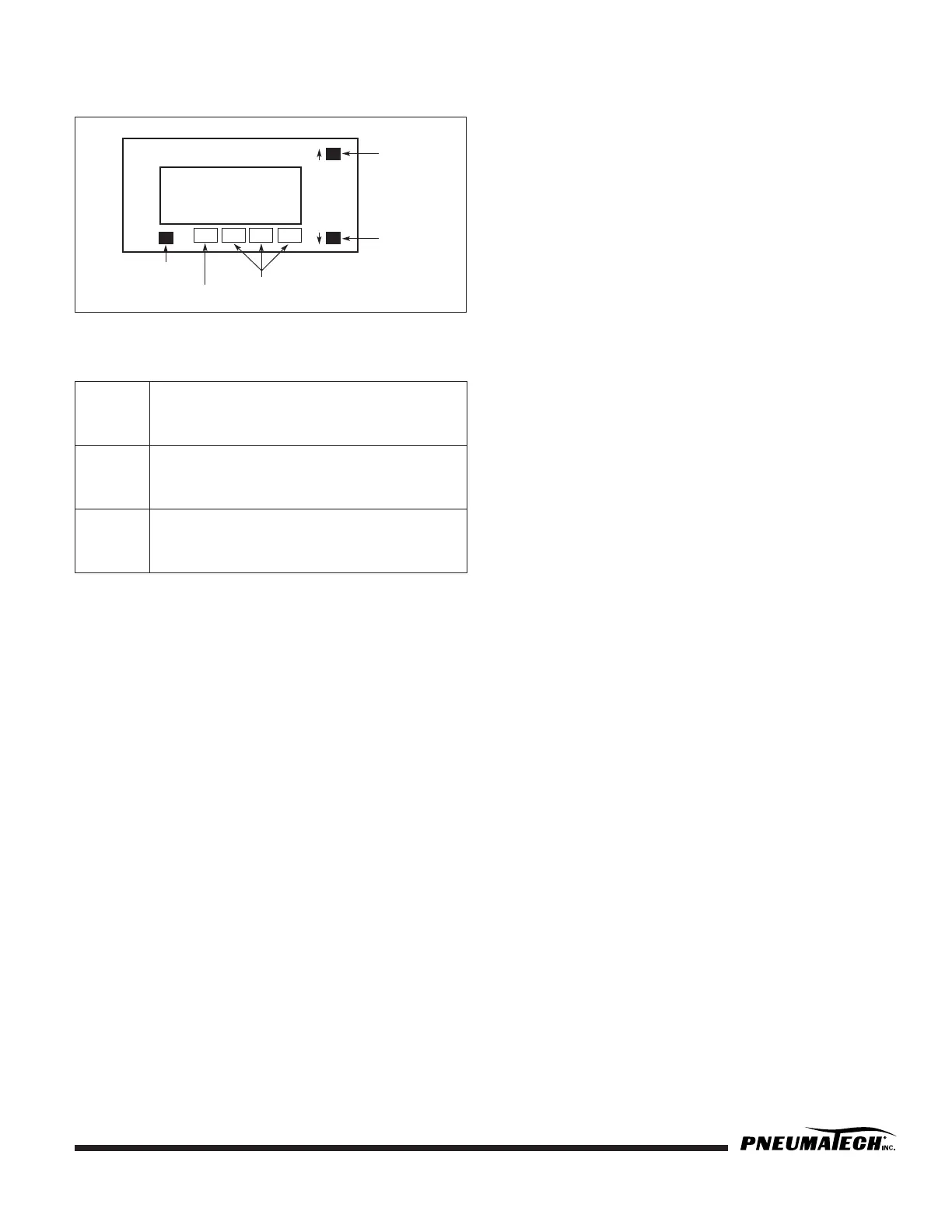
DEWPOINT DISPLAY KEY FUNCTIONS
FIGURE 5 — DIGITAL DISPLAY
There are 3 buttons on the front of the hygrometer:
SETPOINT PROGRAMMING
(Setpoints are factory preset)
Standard Settings
1. Press PROG and (↓) buttons simultaneously to enter
into the Setpoint Setting Mode.
2. SP1 Adjust value for the Setpoint 1, press PROG to
continue. SP1 set at -40°F (Dewpoint Demand).
3. SP2 Adjust value for the Setpoint 2, press PROG
several times to exit. SP2 set at -20°F (High Humidity
Alarm).
4. SP3 Not used.
Settings for models with Low Dewpoint option
1. SP1 set at -90°F (Dewpoint Demand)
2. SP2 set at -60°F (High Humidity Alarm)
3. SP3 Not used.
Settings for models with Pulse Purge Regeneration (PPR)
option
1. SP1 set at -50°F (Dewpoint Demand)
2. SP2 set at -40°F (Standard Cycle Mode)
3. SP3 set at -20°F (High Humidity Alarm)
OPEN SENSOR CONDITION
When message oPEn1 is displayed, the dewpoint sensor
is likely to be disconnected from the hygrometer.
SETPOINT LIMIT INDICATION
Setpoint limit message is the flashing number within
operating range of the hygrometer.
OVER RANGE AND UNDER RANGE
INDICATION
For Ceramic Sensor Probes:
1. When the hygrometer detects the maximum value of
the Measurement range, +68°F flashes on the
display.
2. When the hygrometer detects the minimum value of
the Measurement range, -148°F flashes on the
display.
For Aluminum Oxide Sensor Probes (Dryers built prior to
Year 2000):
1. When the hygrometer detects the maximum value of
the Measurement range, -13°F flashes on the
display.
2. When the hygrometer detects the minimum value of
the Measurement range, -112°F flashes on the
display.
PEAK/VALLEY INDICATION
1. Press (↑) several times to get message PEAK and the
value flashing.
2. Press (↓) several times to get message VALY and the
value flashing.
3. Press (↓) and (↑) simultaneously to reset the Peak or
Valley value while displayed.
Prog. Used to enter Programming Mode, to scroll
through setup prompted, or to enter a
selection or value into memory.
↑↑
↑↑
Used to increase a displayed value. Press and
hold this button to increase the displayed
value.
↓↓
↓↓
Used to decrease a displayed value. Press
and hold this button to decrease the
displayed value.
Prog.



 To Next Page