User manual 5 English
1. Switch between Door 1 and Door 2.
2. Answer call.
3. Start recording.
4. Unlock the lock 1.
5. Unlock the lock 2.
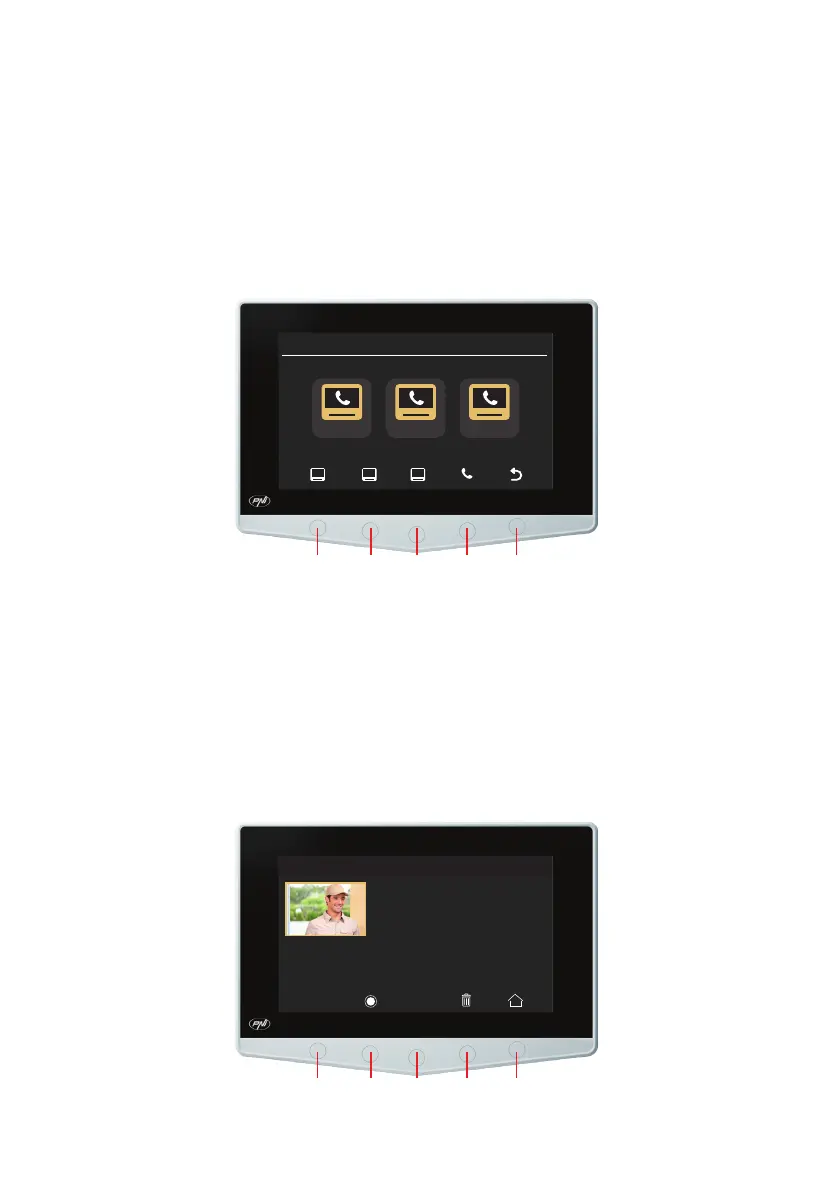
Intercom interface
Intercom 14:48
Room 2 Room 3 Room 4
1. Select Slave monitor from room 1.
2. Select Slave monitor from room 2.
3. Select Slave monitor from room 3.
4. Call.
5. Back to the main interface.
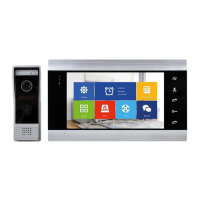
Recordings interface
Visit record 0001/0002
<
<
<
300102-155758-23.AVI DOOR2
1. The previous file.


 To Next Page