5 User manual
English
Remote control from mobile app
Warning: due to CamHiPro application updates, there could be
dierences between the images and information presented in this
manual.
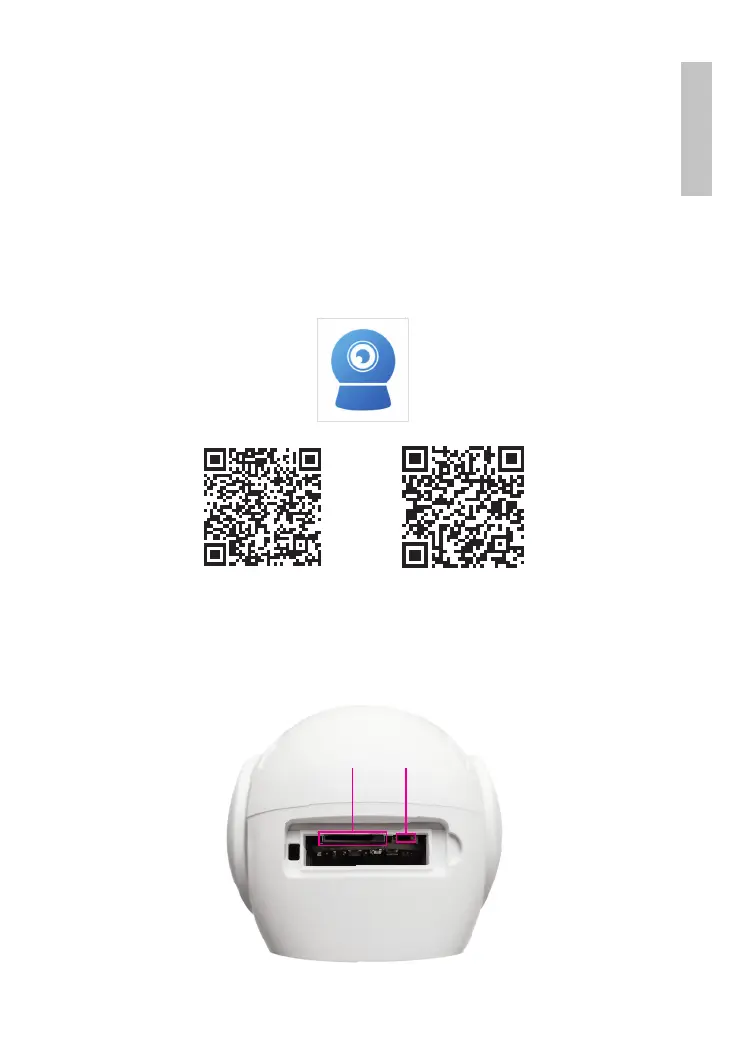
1. Install the CamHiPro application by accessing Google Play or
the App Store or by scanning the QR code below:
Android iOS
2. Create an account in the application and log in.
3. Install the micro SD card (max. 128 Gb) in the camera. The
card is not included.
Micro SD slot Reset



 To Next Page