7 User manual
English
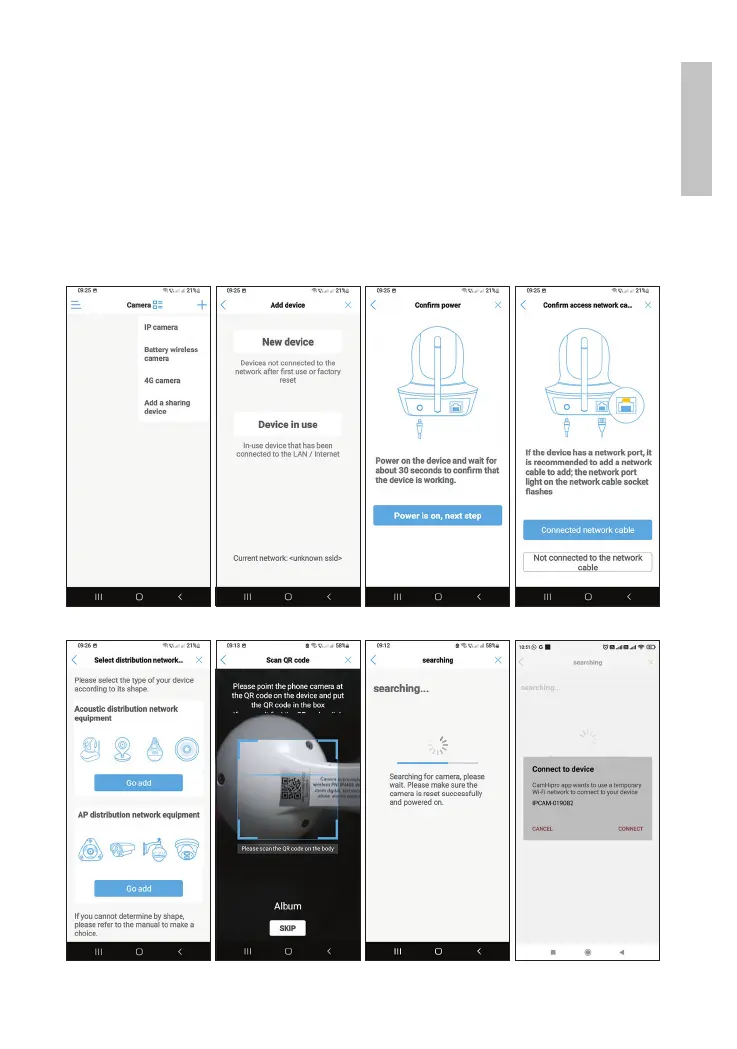
After successfully adding the camera, click on the camera to
preview the images. Note: the camera status must be Online. For
security reasons, you will be asked to change the camera password.
The camera preview interface has several options: start manual
recording, perform image capture, activate speaker and camera
microphone for two way communication, PTZ control, volume
control, etc.



 To Next Page