User manual 12
English
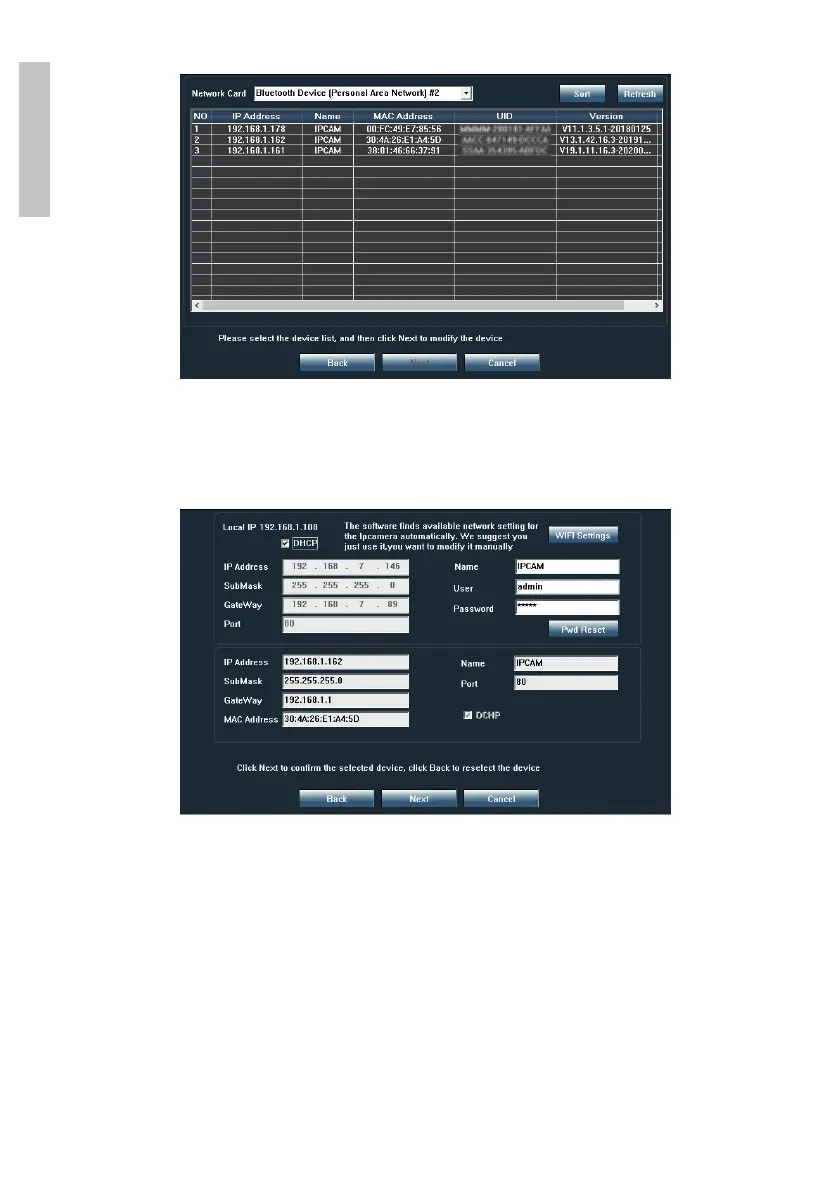
6. Press Next to configure the network parameters. You can enter the
network parameters manually or you can check the DHCP option. Press
Next.
7. Open Internet Explorer and enter the IP of the camera in the address
bar or return to the list of cameras in the Search Tool application and
double-click on the camera you want to view. It will open automatically in
Internet Explorer.
8. From Internet Explorer you can view live images taken by the camera,
you can play the recordings saved on the micro SD card installed in the
camera and you can make various settings related to the network, video,
audio and alarm.


 To Next Page