13 User manual
English
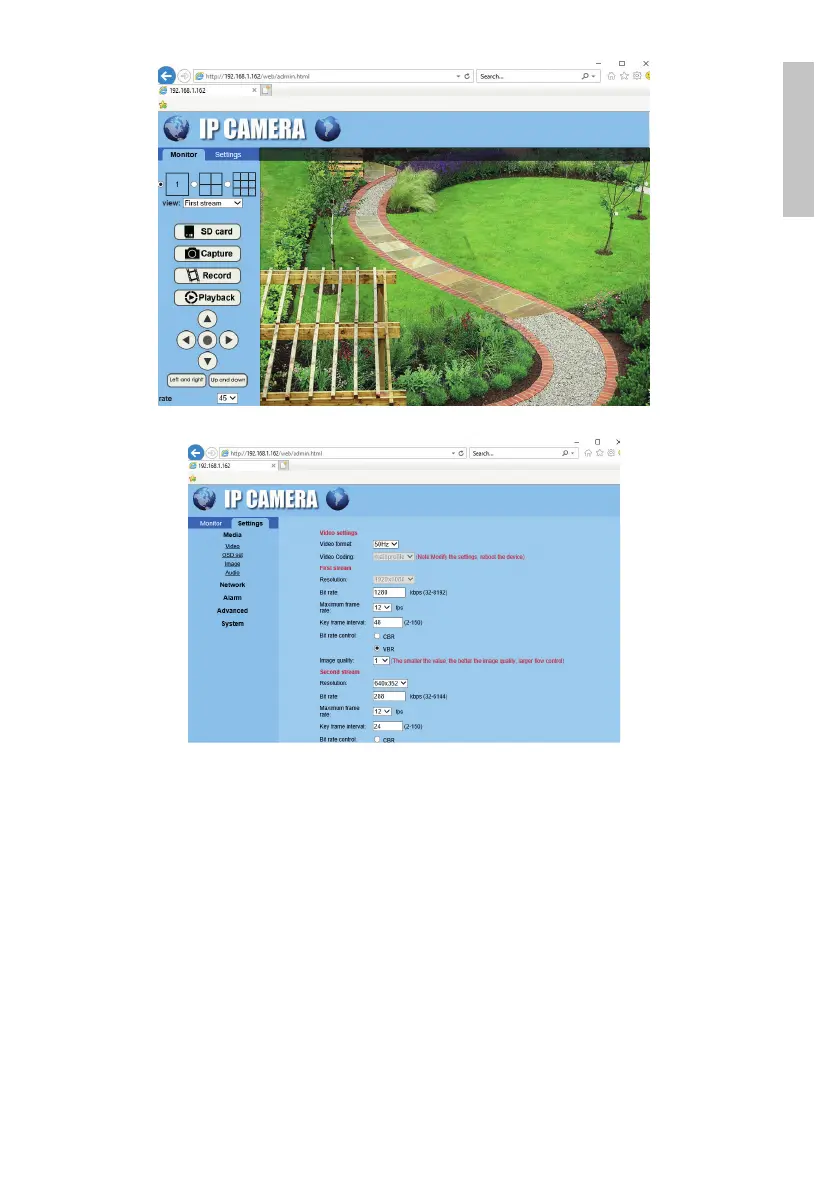
Note: You can access the camera in Internet Explorer only if you are connected
to the same network as the camera. If you want to access the camera from
your computer, but from another network, install the dedicated HiP2P Client
application.
Access the camera through the HiP2P Client application
(Windows)
1. Install the HiP2P application on your computer (the installation file can be
found on the CD in the package or on the product web page in the download
section (www.pni.ro)
2. Launch the application, access the Config menu, select or add the new area


 To Next Page