User manual 14
English
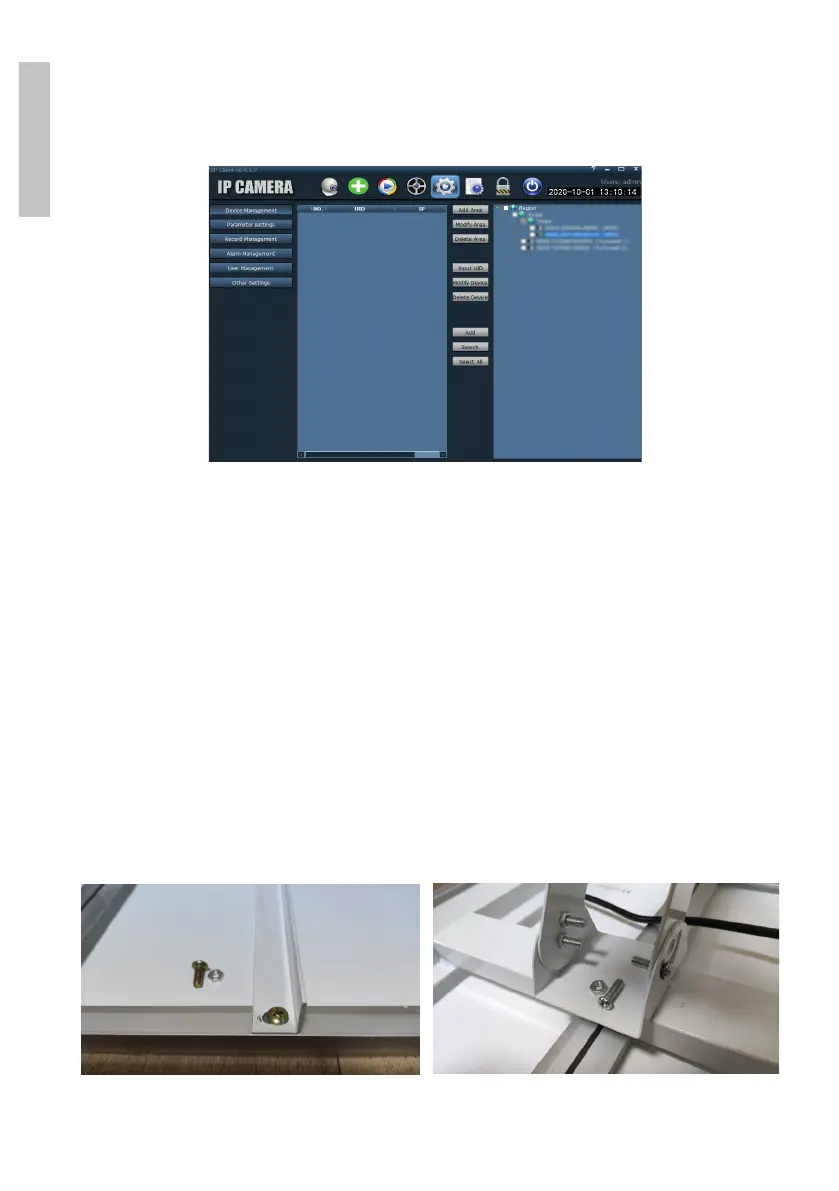
(Add Area) and add the camera using the UID ID on the camera label or
on the phone, if it is already added. (Input UID) or looking for the camera
connected in the same network as the computer: press Search.
Note: Detailed instructions about the HiP2P application can be found in the
Download section of the product web page or from the software download
link at the end of the user manual.
Installation of the battery support and the solar panel
Follow the following steps to connect the solar panel, the battery holder and
the surveillance camera. The support has 2 adjustable joints that allow you to
orient the solar panel towards the sun.
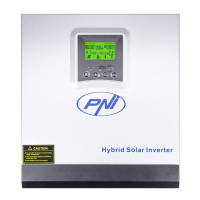
Install the solar panel on the support
using the 4 screws and nuts from the
box
Connect the first joint using the 4
screws and nuts from the box


 To Next Page