3 User manual
English
Main features
• 4G and LAN connection (RJ45 connector)
• Recording on micro SD card, max. 128 GB (card not included)
• Two-way audio communication (built-in microphone and speaker)
• Outdoor mounting, waterproof class IP66, ABS housing
• 4 IR LEDs for night vision up to 20 m
• 4 white LEDs for additional lighting
• P2P connection for remote monitoring
• Remote control through the CamHi application (Android / iOS) and
through the HiP2P Client application (PC Windows)
Package contents
• Surveillance camera
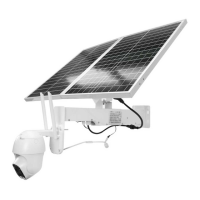
• Solar panel
• Installation bracket for wall or pole
• 12V 20A rechargeable Li-Ion battery (built into the main support)
• 230V - 12.6V / 5A Power adapter for charging the Li-Ion battery
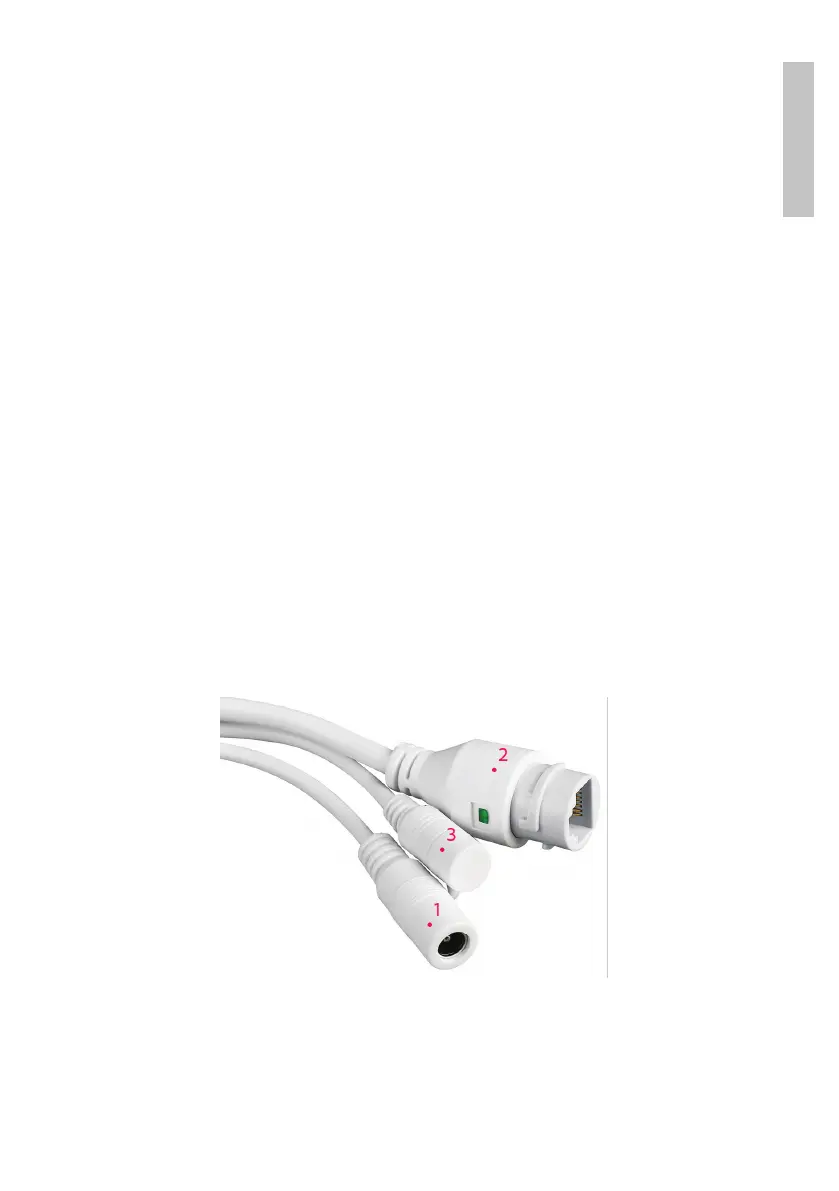
Connections
1. 12V power connector - insert the power cable from the included battery.
2. RJ45 connector - insert a network cable to connect the camera to the
router (if necessary during the first configuration)
3. Reset - long press to reset the camera to default settings.


 To Next Page