User manual 4
English
Camera installation and connection details
Warning: the SIM card with 4G mobile data must not have the PIN code
activated. Insert the SIM card with mobile data into a mobile phone, disable
the security PIN and check if mobile data is available by accessing any web
page.
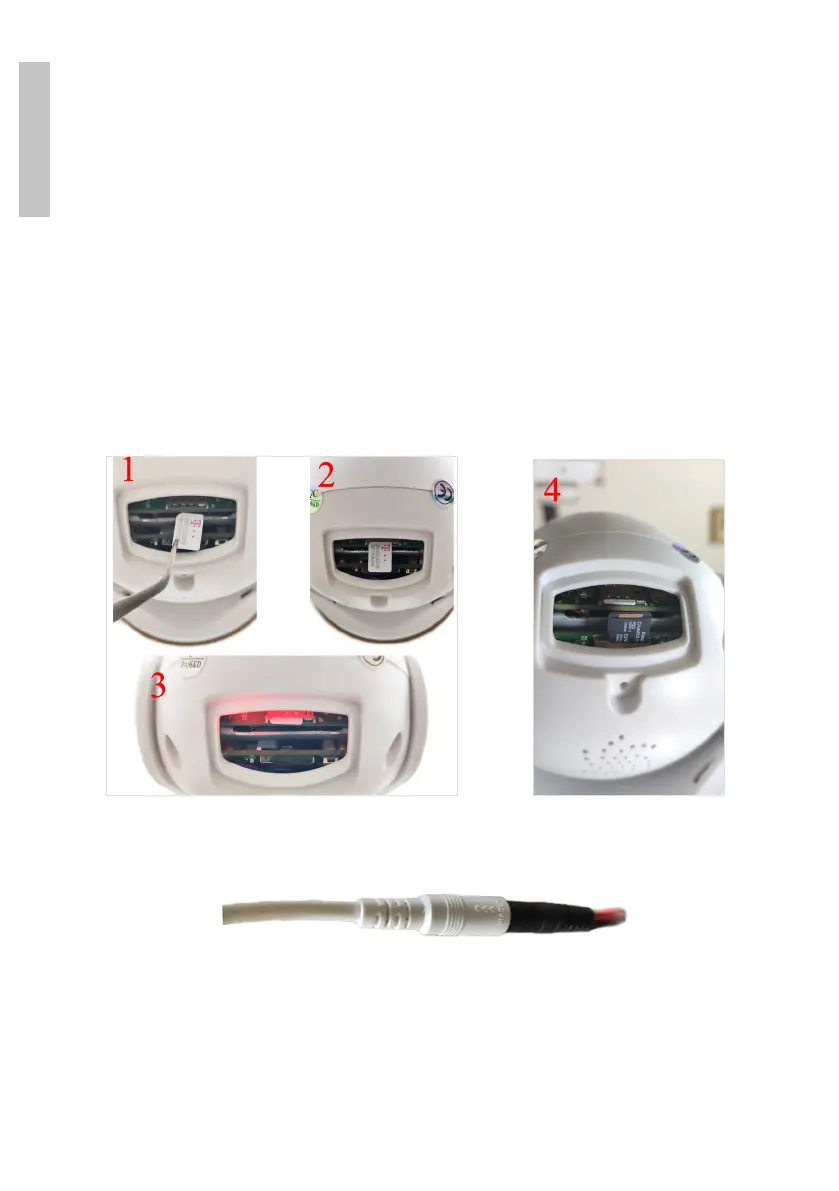
1. Open the cover on the back of the camera. Install the Nano SIM card and
the micro SD card (maximum 128 GB) into the camera.
2. Connect the power adapter from the battery to the camera.
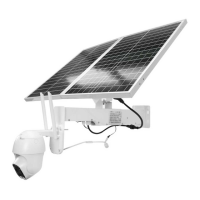
3. Connect the solar panel to the battery.


 To Next Page