5 User manual
English
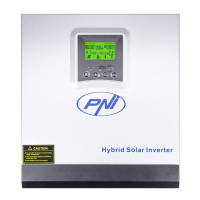
4. Turn on the battery power using the red round switch:
5. The camera will start rotating and initializing. When the camera stops
rotating, it is ready for configuration.
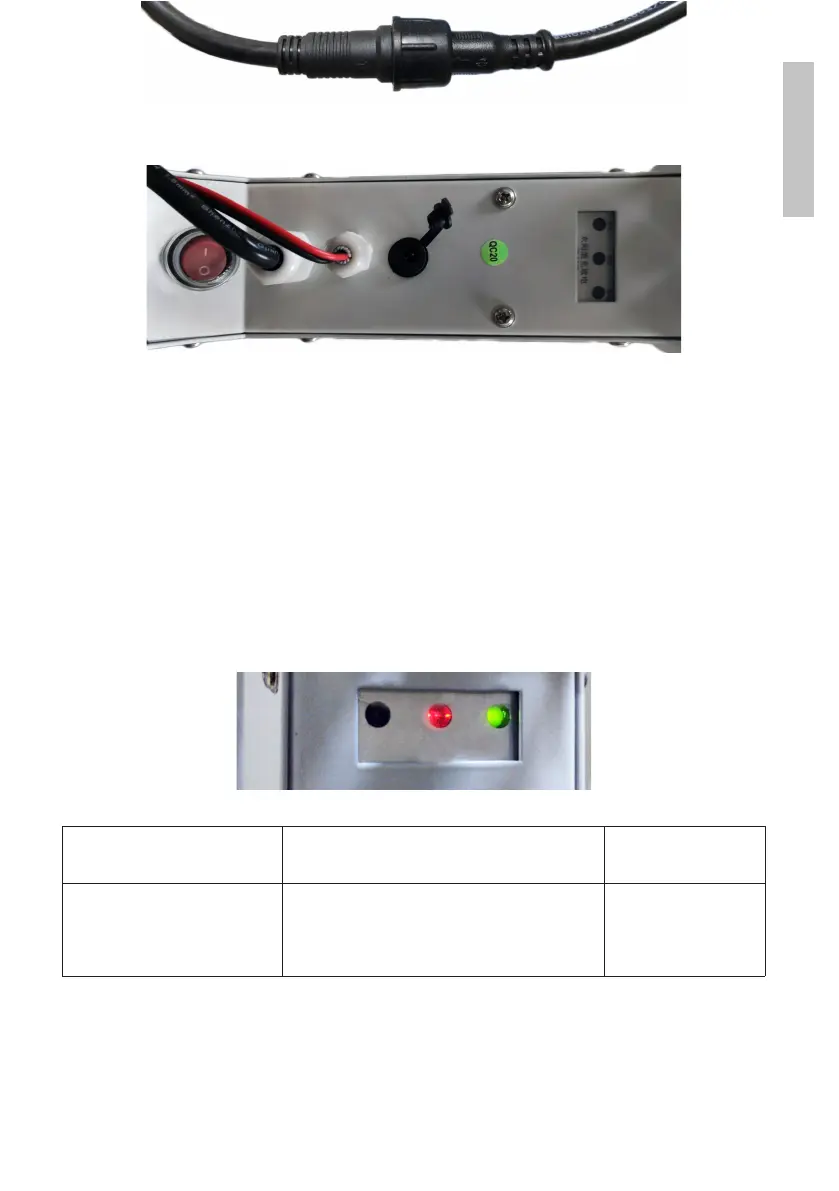
Note: Before use, we recommend that you fully charge the battery for about
8 hours using the power supply in the package. Connect the power supply to
the black connector with the rubber cap.
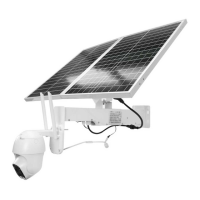
6. Information about the battery is provided by the 3 LEDs located on the
installation support.
Left LED
Charging
Central LED
Battery
Right LED
Output status
On: solar charging
O: not charging (lack of
sun)
Flashing Red: Battery ≤ 25%
Flashing Red and Green: Battery ≤ 50%
Flashing Green: Battery ≤ 75%
Green On: Battery ≤ 100%
On: active output
O: no output


 To Next Page