User manual 6
English
Add the camera to the mobile application
Quick setup mode
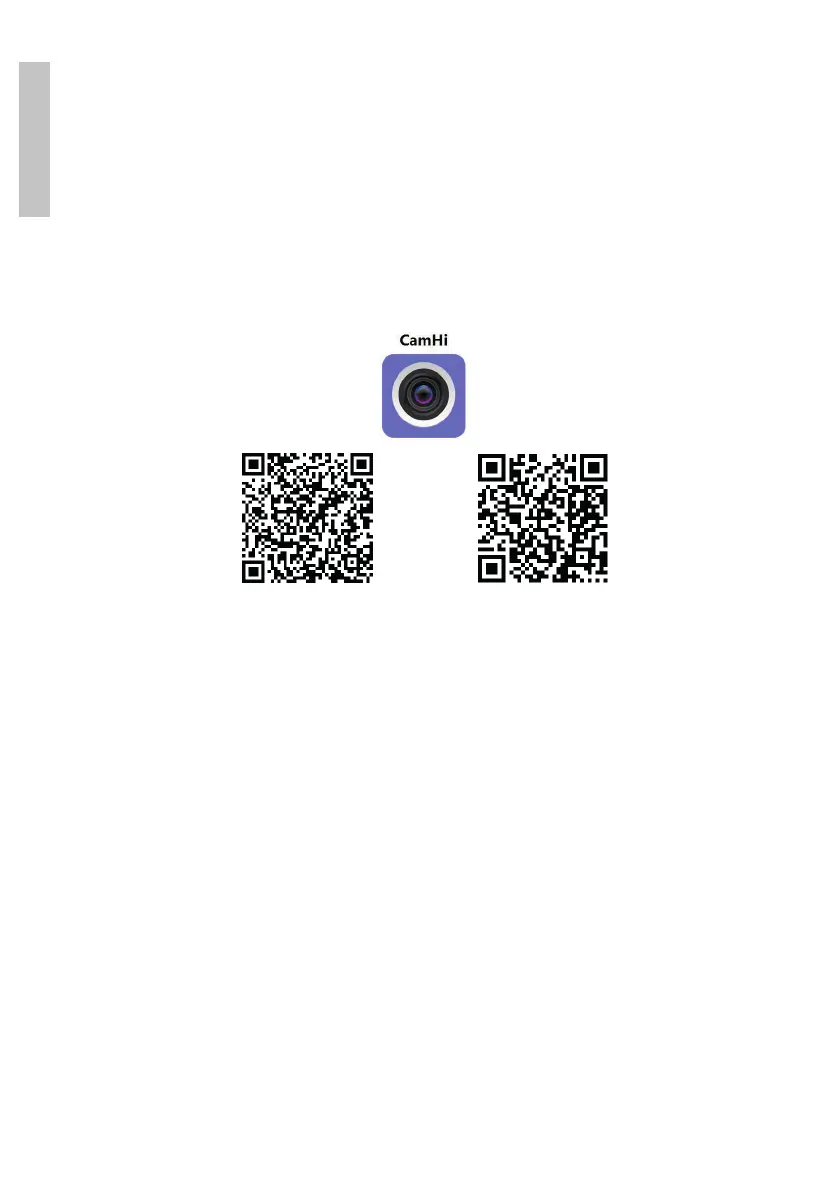
Download and install the CamHi application by scanning the codes below:
Android iOS
1. Open the application, create an account and connect.
2. Press Add camera.
3. In the following interface, you have several options to add the camera:
• Manually enter the UID of the camera, the user and the password
(you can find these data on the label stuck on the camera). The default
username and password are admin, admin.
• Scan the QR code on the label stuck on the camera (Scan QR code, add
UID)
4. After you have successfully added the camera, click on the camera in the
list to view the images taken by it in real time.
Note: The camera status must be Online. If the camera is Oine, access the
Advanced configuration mode from the next page.


 To Next Page