Main Menu 28
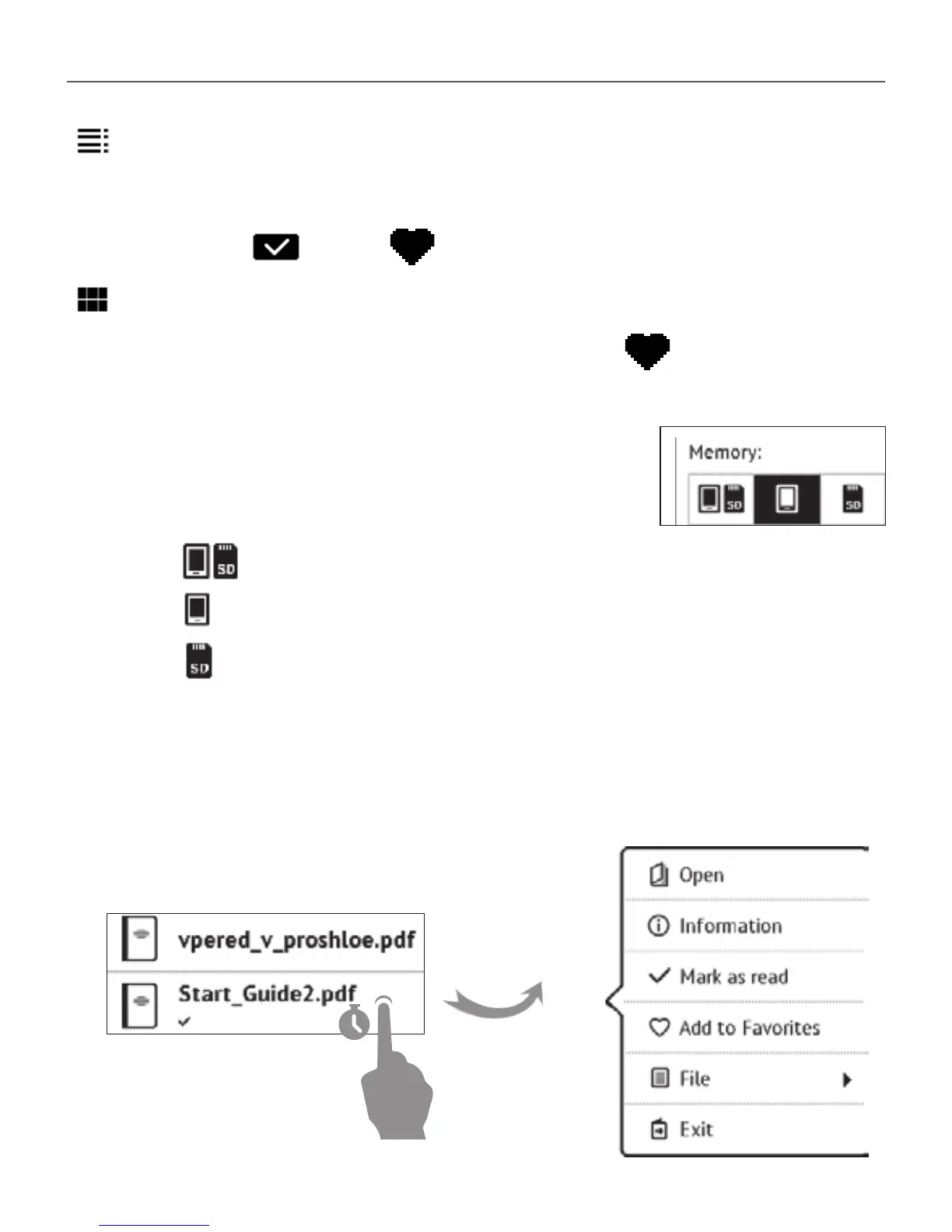
Detailed – in this mode there’s added thumbnails, in-
formation about file format and size, read percentage and
status icons: Read, Favorite.
Thumbnails – in this mode book cover, book and au-
thor name (if known) and Favorite icon are displayed.
5 Storage-dependent appearance has
three options:
• Internal + memory card
• Internal
• Memory card.
Context menu...
...opened by continuous touch...















 To Next Page