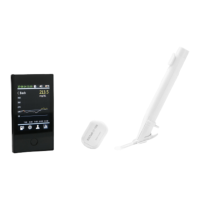
POCTech CT100C (CT10) CGM
Frequently Asked Questions
March 2020 – Global FAQ Master
I didn’t feel anything. How do I know if I inserted the
sensor?
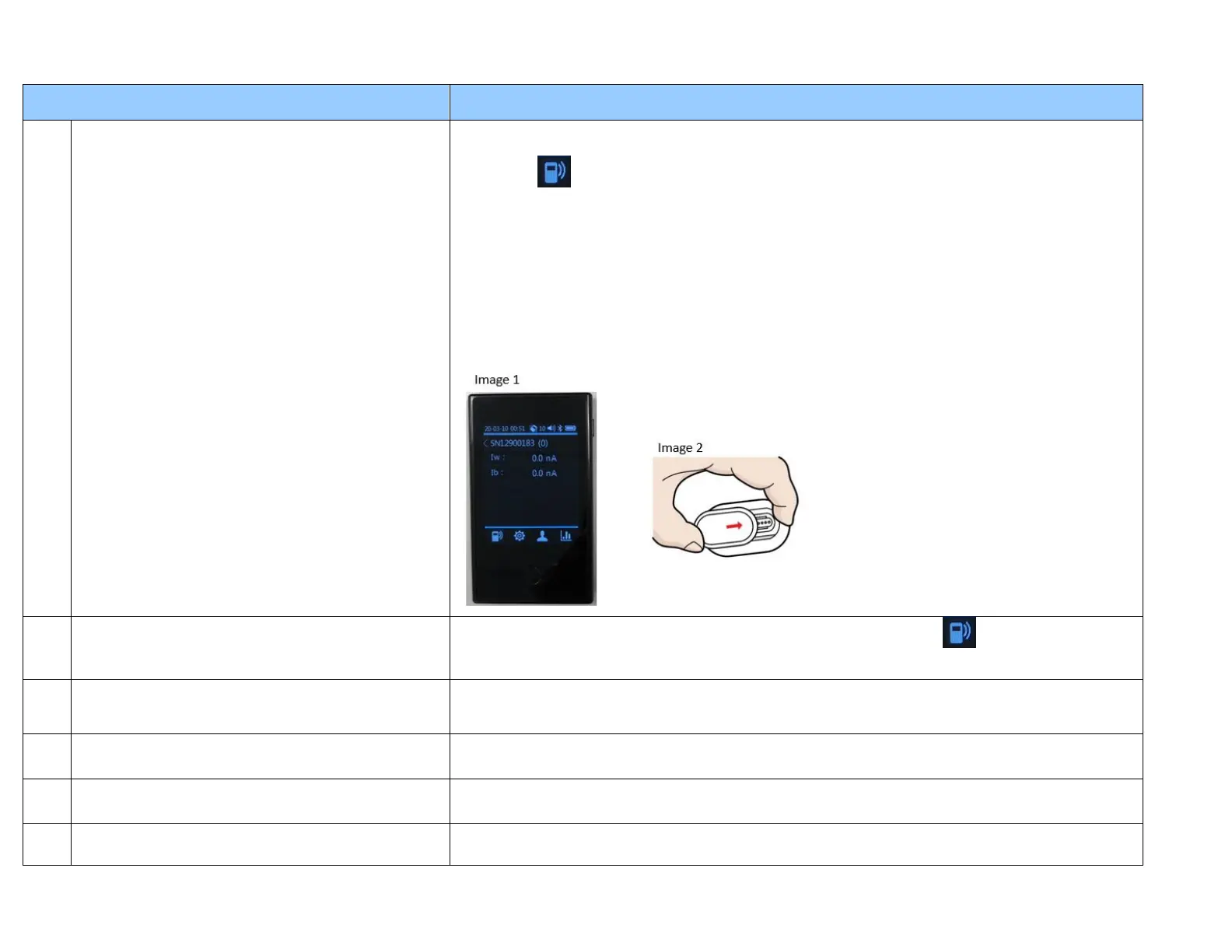
During the warm up (sensor initiation) period, after the sensor has been inserted, the Receiver will
begin receiving a sensor signal from the Transmitter. You can check this by selecting the Sensor
Signal icon on the bottom left of the Receiver screen and choose “View Signal”. If you are
seeing numbers listed after the “Iw” and “Ib”, then the sensor is inserted and the transmitter is
sending readings to the Receiver.
Alternately, if you only see zeros (image 1), then there may be two possible causes.
1) Most likely cause – the transmitter may not be completely attached to the sensor. Pinch
horizontally both sides of the transmitter and sensor assembly (image 2) to ensure they
are tightly connected. Check sensor signal on the Receiver again after 3 minutes.
2) If you have confirmed that the transmitter is connected securely to the sensor, it is
possible that the sensor was not inserted correctly. In this case, you will need to remove
the sensor and insert a new one.
How can I check the sensor signal?
You can check the sensor signal by selecting the “Sensor Signal” icon on the bottom left side
of the Receiver screen and choose “View Signal”.
What does the term “sensor signals” mean?
Sensor signals are sensor electrode currents representing the glucose concentration and
background levels. This information is only for technical reference (in case of abnormalities) and
has no clinical significance. Patients do not need to look at the sensor signals on regular basis.
What is the correct sensor signal range?
5.0--300nA for Iw. Patients do not need to look at the sensor signals on regular basis
How much can I zoom in and out of the time period
for viewing glucose data on the Receiver?
You can swipe up and down to adjust the time period view of the glucose data into 24, 12, 6, 3,
and 1 hour increments.
How do I dismiss/snooze the glucose alert on the
Receiver?
Tap on the alert message part of receiver screen. This will silence the alert for 20 minutes.


 To Next Page
 Loading...