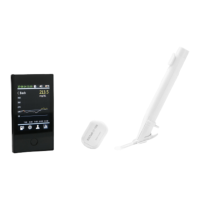
POCTech CT100C (CT10) CGM
Frequently Asked Questions
March 2020 – Global FAQ Master
Recommendations for oily skin?
Although unlikely, the sensor may accidentally fall off, usually due to excessive sweating or
movement. Oily skin can make it difficult for the sensor adhesive to adhere firmly. For best results,
gently clean the insertion area with alcohol wipes (or pads) to clean and disinfect the skin. Once
completely dry, immediately insert the Sensor, pressing firmly on the Sensor base and adhesive
tape to achieve a firm adhesion to the skin.
After initializing and attaching the transmitter to the sensor, if desired a medical adhesive dressing
tape ((3x4inch) or (7,6x10,2cm), water proof) can be applied over the transmitter/sensor for extra
security.
Recommendations for athletes?
Depending on the type of athletic activity that you are performing, it is possible that the Sensor
could be affected by sweat, physical impact to the sensor or vigorous body movement in the area
of the body that the sensor is inserted. For best results, gently clean the insertion area with
alcohol wipes (or pads) to clean and disinfect the skin. Once completely dry, immediately insert
the Sensor, pressing firmly on the Sensor base and adhesive tape to achieve a firm adhesion to
the skin.
After initializing and attaching the transmitter to the sensor, if desired a medical adhesive dressing
tape ((3x4inch) or (7,6x10,2cm), water proof) can be applied over the transmitter/sensor for extra
security.
How do I start using POCTech CT-10?
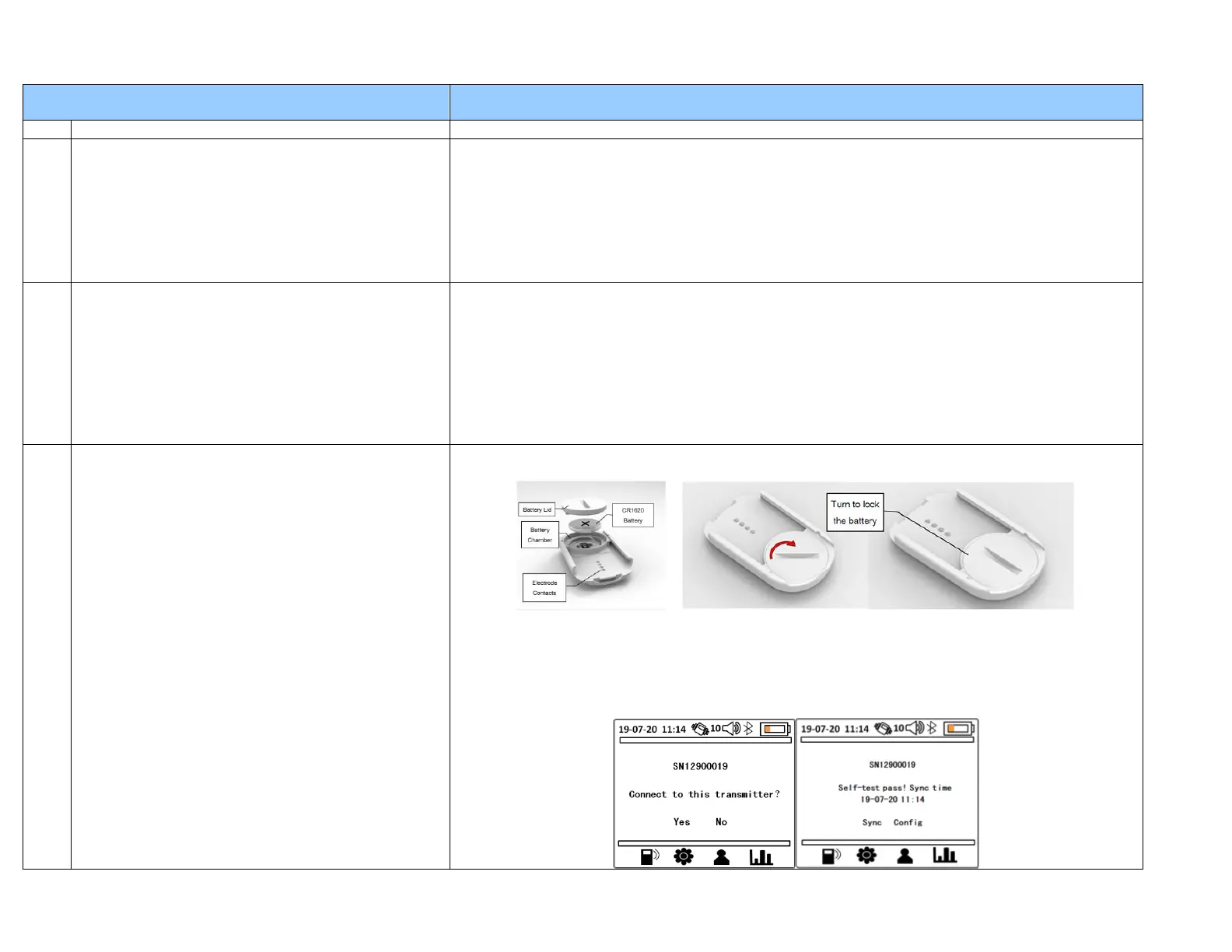
1. First, prepare the Transmitter by installing a new CR1620 battery into the transmitter. You can
use a coin to open and close the battery cover.
2. Second, prepare the Receiver to pair with the Transmitter. Turn on the power of the Receiver
by pressing the ON/OFF switch on the side of the device for more than 3 seconds. The receiver
will search for all nearby Transmitters and displays a list of available Transmitters for pairing.
Check receiver battery. Charge the battery if necessary.
3. Select your transmitter’s serial number on the Receiver screen, and tap “Yes”.


 To Next Page
 Loading...