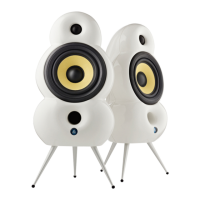
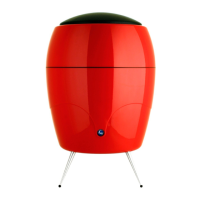
Description of MiniPod
Bluetooth buttons
BUTTONS
5. Bluetooth Pairing:
Press and hold for 4 seconds. MiniPod Bluetooth will enter Discoverable Mode (Pairing
Mode) for 1 minute, where it will be visible as a Bluetooth device on the list of Bluetooth
devices on your phone, PC etc. Simply choose MiniPod Bluetooth on the list to establish
the connection.
When entering Pairing Mode 2 short beeps will sound and the LED will start blinking
fast. Once connected to a device a single beep will sound. If no connection is made
within 1 minute, a long beep will sound.
After 1 minute the speaker will go into Connectable Mode where it will be able to manually
connect to known devices (up to 8 devices). Once your device is connected to MiniPod
Bluetooth you can play your music wirelessly by choosing MiniPod Bluetooth as the
playback source.
(Secondary use: For 8 seconds press and hold together with Bluetooth Pairing (7) to
disable (or enable again) all wireless communication).
16


 To Next Page