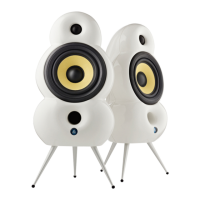
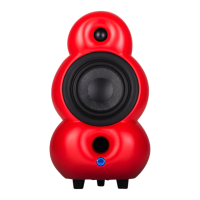
Setup your MiniPod Bluetooth
as a single speaker
Stand Alone Setup
8
Before powering the speaker ON make sure the “Wireless Stereo” switch is set to ON.
Want to play using…
1. Bluetooth: Switch to Bluetooth mode (see 9. on page 26) and connect Bluetooth device
(see 5. on page 16).
2. A source connected to OPT-IN Switch to OPT mode (see 10. on page 26) and connect a
source to OPT-IN using a Toslink cable (see 3. on page 11).
3. A source connected to AUX-IN: Switch to AUX mode (see 11. on page 26) and connect a
source to AUX-IN using a 3.5 mm cable (see 1. on page 11).
For daily use, please see “Remote” on page 23 to see how to operate all functions.
You are ready to go - enjoy!


 To Next Page