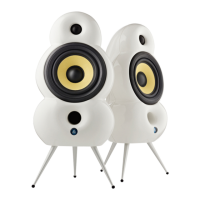
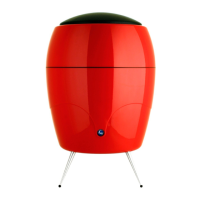
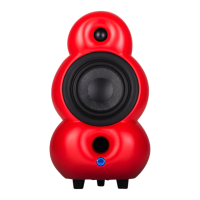
Description of MiniPod
Bluetooth buttons
BUTTONS
Continued from the last page...
The stereo paring can be temporarily released, by pressing and holding Stereo Pairing (7)
for 4 seconds. You will hear one beep and both speakers will enter Stand Alone mode. To
reconnect the two speakers into Wireless Stereo again simply power OFF/ON or choose
another mode and then switch back to Bluetooth again.
To release the two Podspeakers from True Wireless Mode permanently, simply make a
factory reset of both speakers.
(Secondary use: For 8 seconds press and hold together with Bluetooth Pairing (5) to
disable (or enable again) all wireless communication).
22


 To Next Page