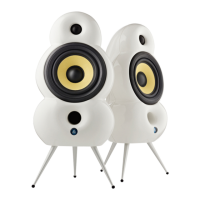
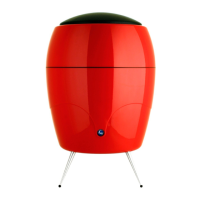
Description of MiniPod
Bluetooth buttons
BUTTONS
6. Audio Settings: (EQ settings)
While playing back audio press repeatedly to change between 3 preset audio settings in
the following sequence Optimal - Flat - Boost. When changing audio setting, the speaker
will briey mute and then start play again using the new audio setting.
When in True Wireless stereo setup this has to be done on left and right channel
individually
Factory default is: Optimal.
18


 To Next Page