Updated November 1, 2018
Phone calls with Bluetooth®
If your POGS Wireless Headphones is connected with your smartphone, you can make phone
calls just like with a headset.
Music playback will be interrupted in the event of an incoming call and a ring tone will sound
instead.
The following functions are available:
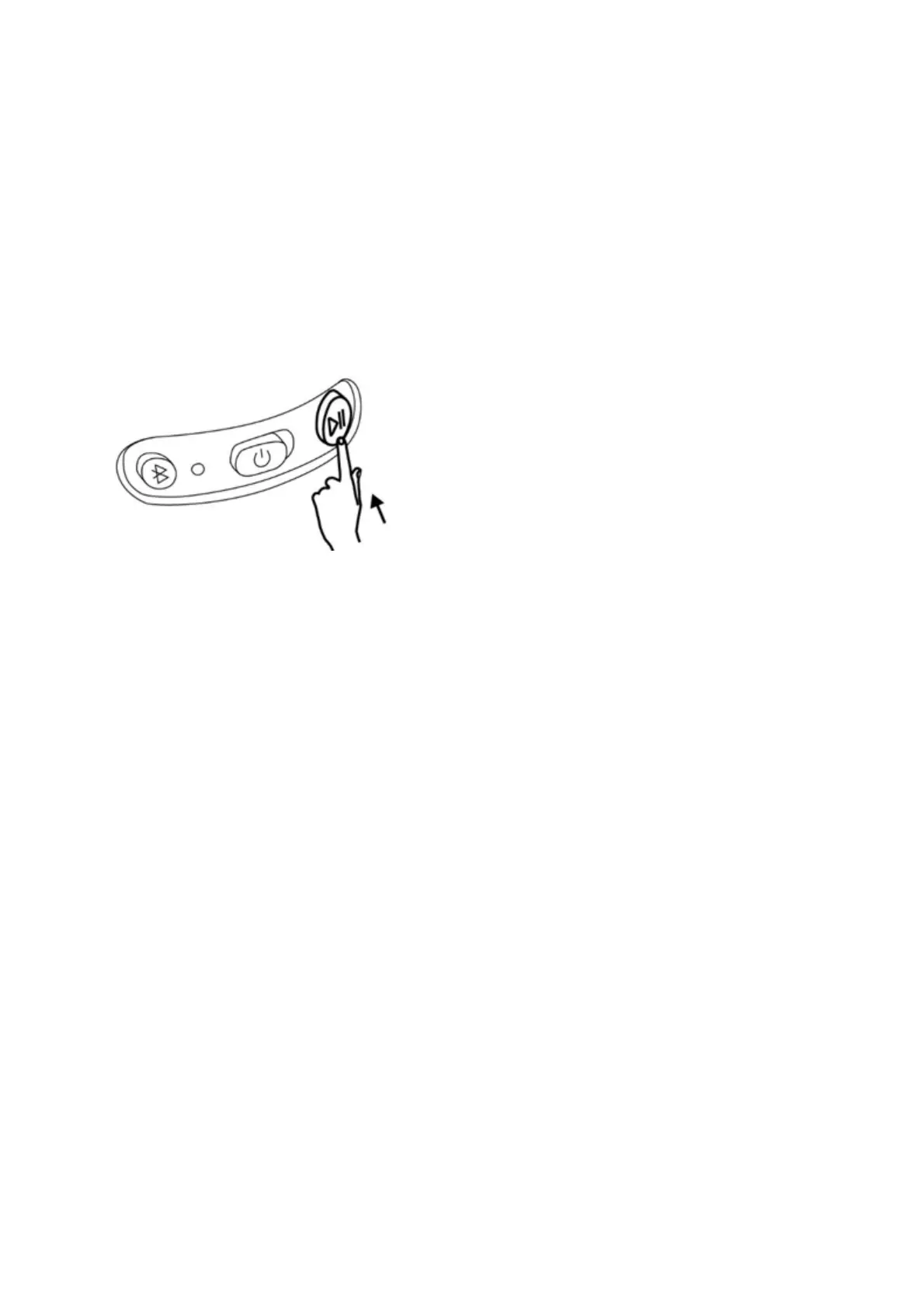
• Accept incoming call. Briefly (<0,5sec) push the play/pause button
• Reject incoming call. Push and hold the play/pause button (approximately 3 sec)
• End the call. Briefly (<0,5sec) push the play/pause button


 To Next Page