24
Procedures:
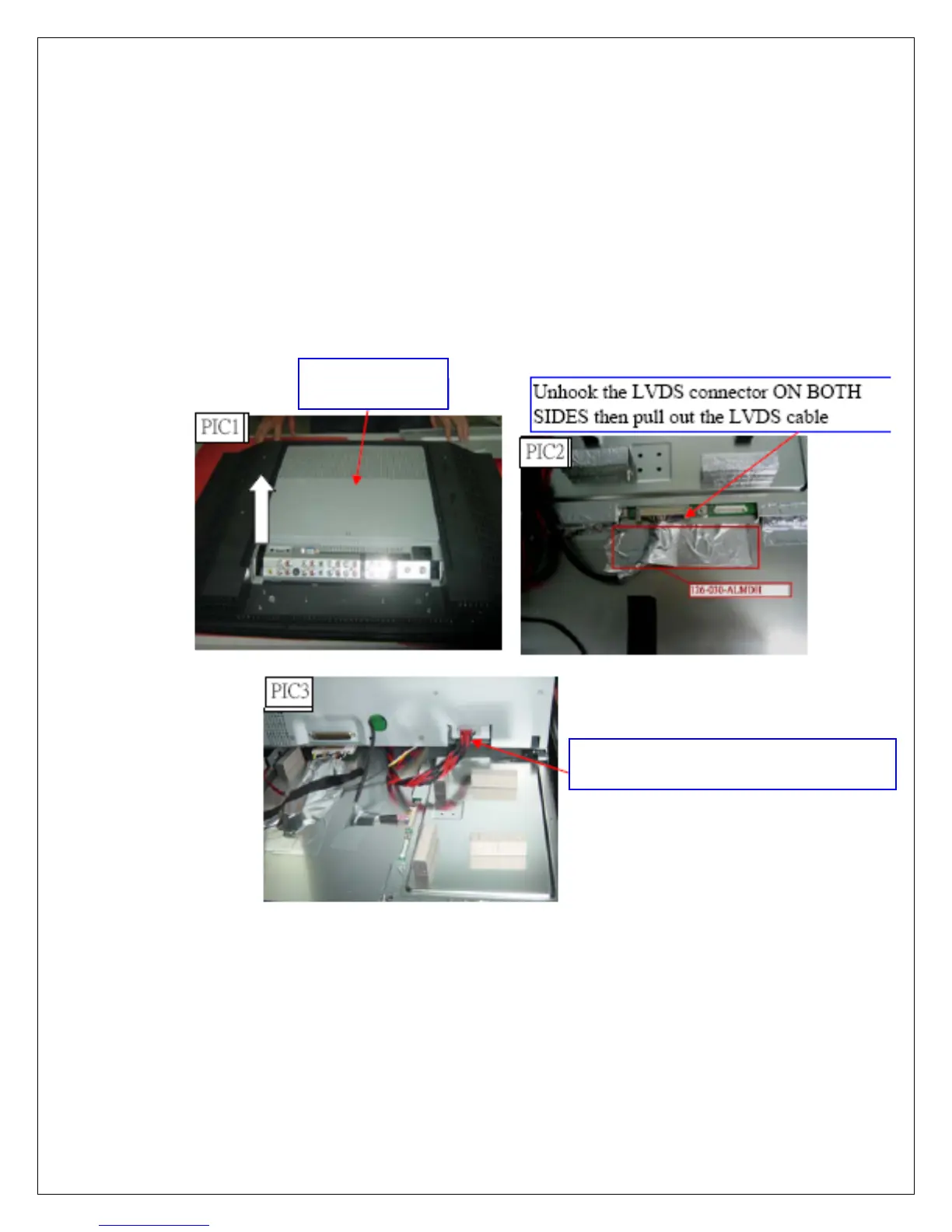
1. Lift up the control box from the A/V connector side (PIC1). There are cables
underneath that are connected. Be careful.
2. Tear off the Aluminum foil covering the LVDS connector. Remove the LVDS wirin
from Panel module (PIC2).
3. Disconnect the PANEL power cord from bottom side of control box (PIC3).
4. Proceed to next step
Lift up
Control Box
Disconnect PANEL Power Cord



 To Next Page
 Loading...










