42
Chapter 3 Using the LCD TV
Press the button to turn the LCD TV on.
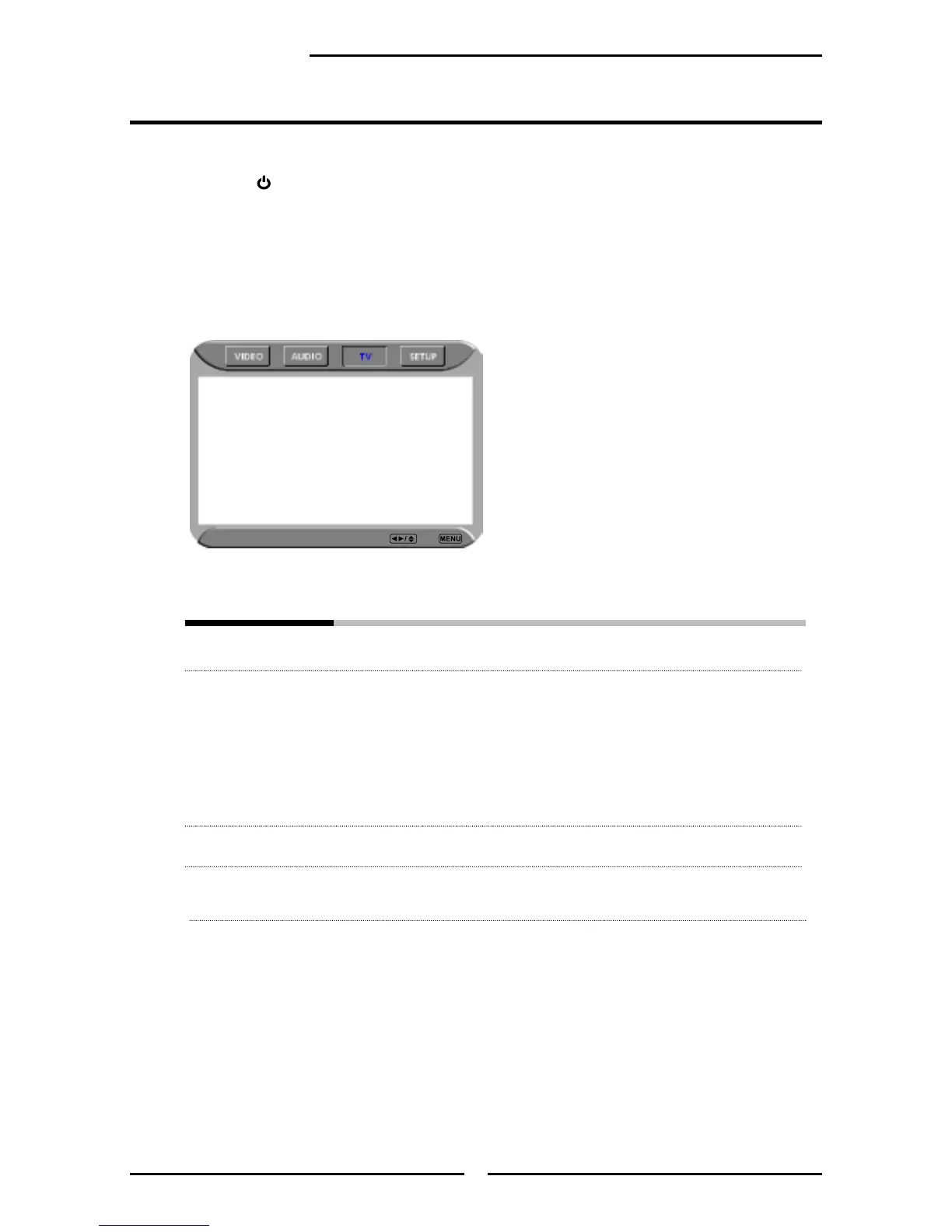
Press the MENU button on the remote control to display the Main menu, and use the
◄► buttons to select the TV.
Use the ▲▼buttons to highlight an individual TV option, use the ◄► buttons
changes the setting, and press the MENU exits the menu.
The TV menu includes the following options:
Searching Automatically sets up channel list on TV for all receivable channels.
Tuner Mode Allows selection between CATV cable and antenna signal sources:
▪ ANTENNA
Choose this setting if you are receiving TV channels with an antenna
cable.
▪ CABLE STD/CABLE IRC/CABLE HRC
Choose this setting if you are receiving TV channels with a CATV
cable.
Channel Skip Allows addition/removal of channels on the channel list.
Channel Name Allows channel labels to be edited.
Customizing the TV Settings
Searching
Tuner Mode Cable-STD
Channel Skip On
Channel Name
TV Select Exit



 To Next Page
 Loading...










