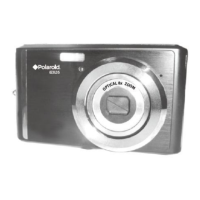
1) Use the supplied USB cable to connect your camera to your computer.
Insert the smaller end of the USB cable into the USB interface of the camera.
Insert the larger end of the USB cable into the USB port of your computer.
2) Power the camera ON.
3) ‘MSDC’ appears briefly on the camera’s LCD screen, indicating the camera is connected to
your computer in MSDC mode.
4) The first time you connect the device to the computer you may have to wait a few seconds
until the computer recognizes the device.
Your camera must have the memory cad inserted. Do not disconnect the cable during transfer.
Doing so will cancel the transfer of any files on their way to your computer.
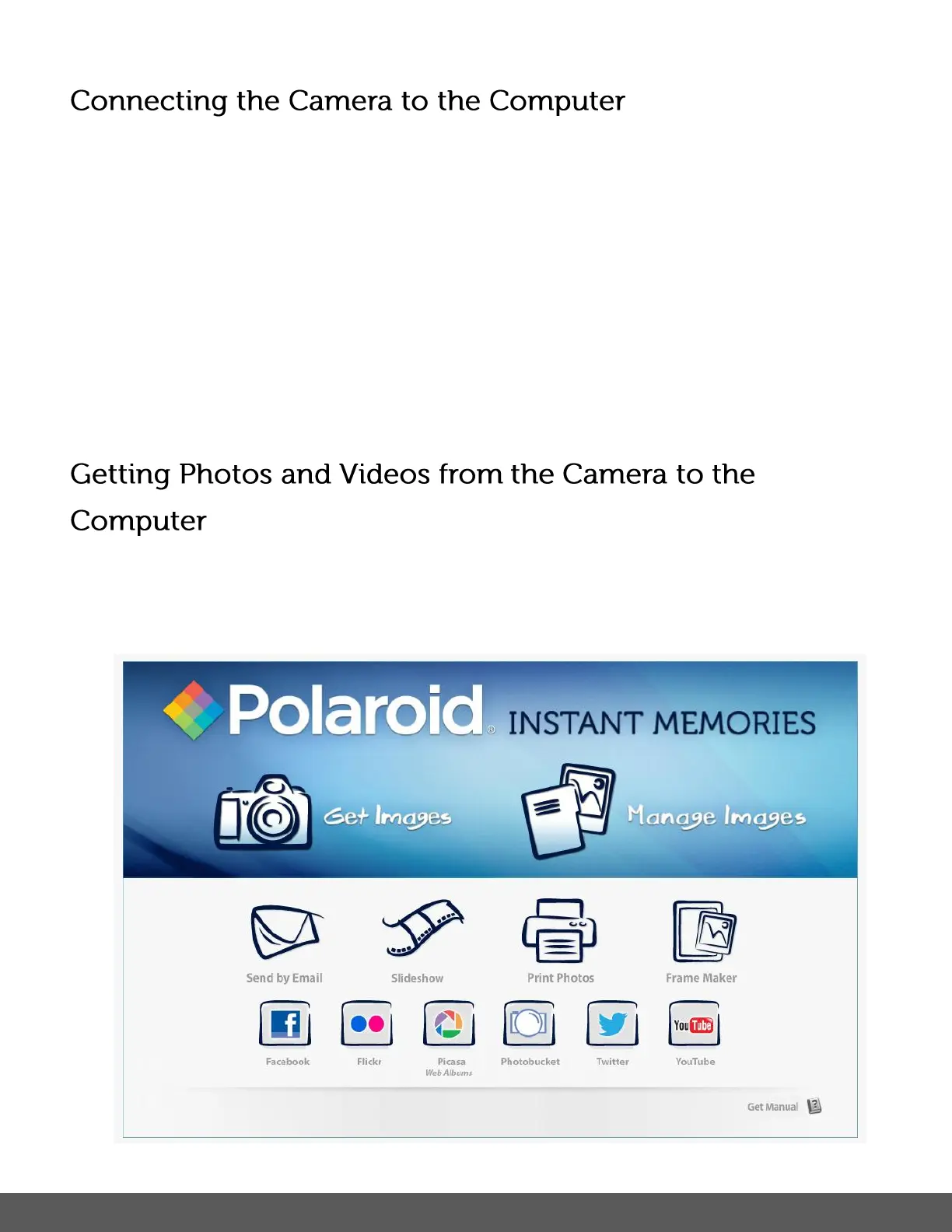
1) Select the “Get Images” button from the Main menu.


 To Next Page
 Loading...