
 To Next Page
J
Jessica HillSep 4, 2025
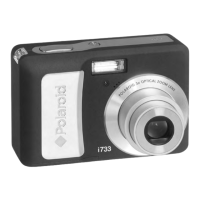
What to do if my Polaroid i733 Digital Camera CD Installation wizard does not work?
- CCourtney LeeSep 4, 2025
If the CD Installation wizard for your Polaroid Digital Camera isn't working, go to the computer desktop, right-click on “My Computer”, click “Properties”, select “Device Manager”, double-click on “CD_ROM”, double-click on “CD-R (normally the manufacturer’s name. Click on “Settings”. Ensure both “Auto insert notification” and the “disconnect” are ticked. If you change the settings the computer will ask you to restart your PC. Click “Yes.”
 General