• Using the Q Mode
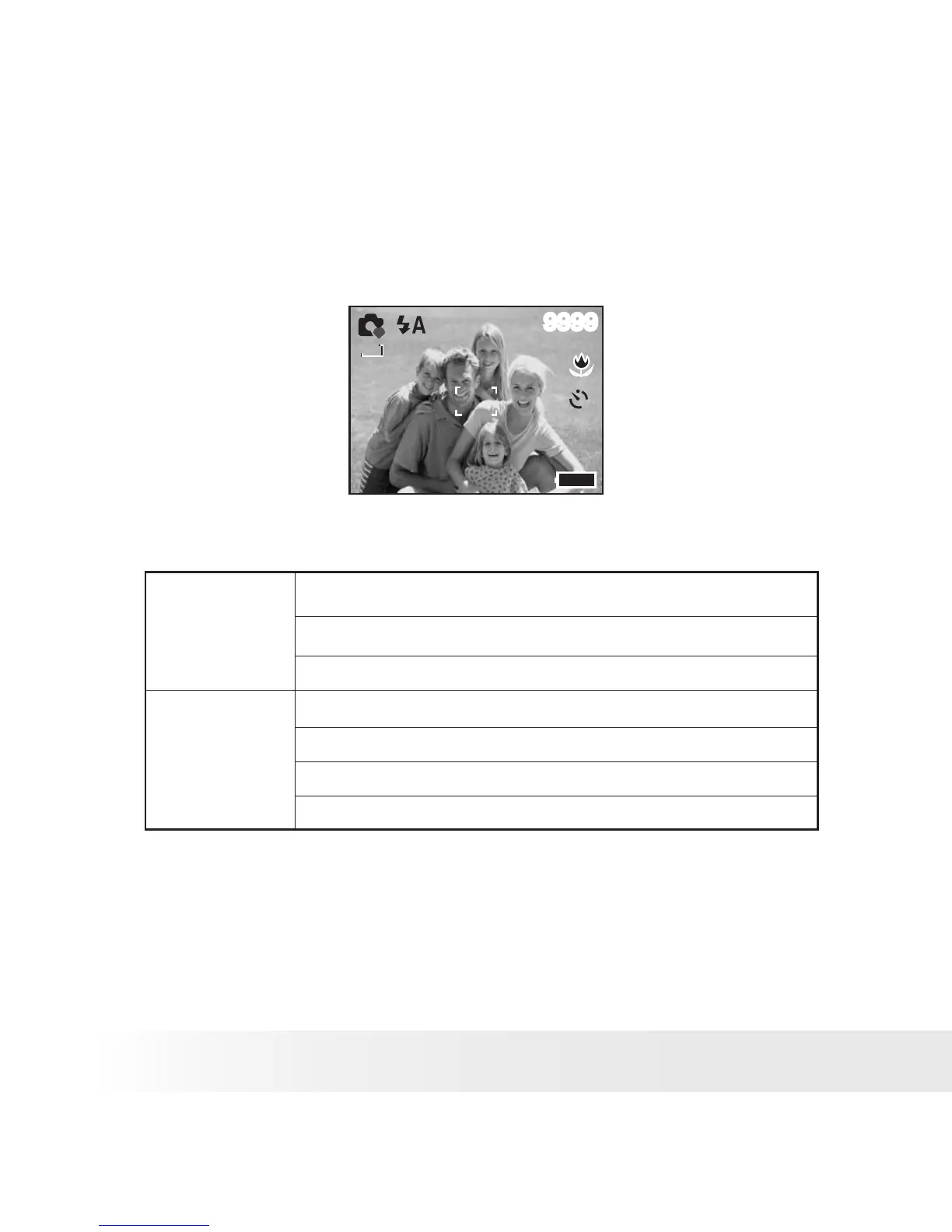
The Q mode provides a simplified camera interface. Larger icons and
fewer controls make it easier to take pictures anytime, especially for the
beginners and elder users.
9999
7M
7M
10
You can only use the following basic settings in the Q mode.
Button
Flash: Auto / Red eye / Force on / Slow sync / Force off
Macro: Off / On
SET/ DISP:
Menu
Resolution:
Drive Mode: Off / 2 sec. / 10 sec. / Double / Burst
Beep: Off / On
Auto Review: Off / 3 sec. / 5 sec.


 To Next Page
 Loading...