Basic operation
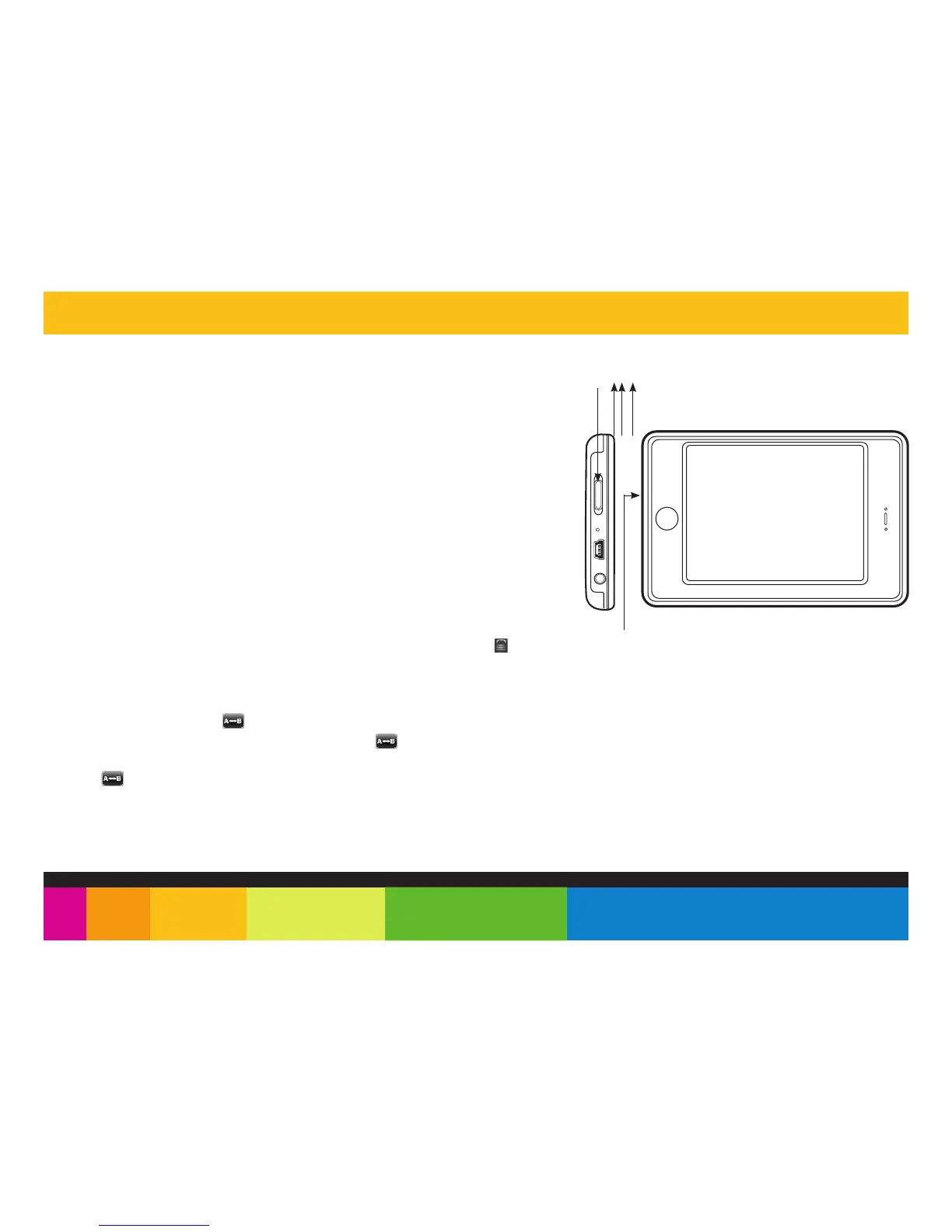
Turning on/off
Lock / unlock buttons
This feature prevents you from accidentally pressing the buttons while using the player on
the move.
● To lock the player slide the [POWER] switch to the right. Display show the icon.
● To unlock the player slide the [POWER] switch to the middle.
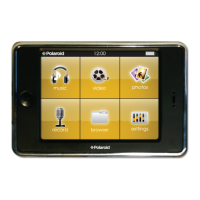
NOTE: The player’s backlit display will dim after a certain period of inactivity. To turn on the display, touch the screen.
You may set the “Audio shut time” or “Display setting” to save the battery.
A-B repeat finction
clip, and press it into the RESET hole to re-initialize the system of your player.
Make sure the player is charged, and the headphones are connected correctly.
RESET hole
[POWER] switch
ON / OFF
● To turn on the player, slide and HOLD the [ POWER ] switch to the left until the
display turns on.
● To turn the player off, slide and HOLD the [ POWER ] switch to the left until the
display turns off.
Reset the player
If a malfunction of the player occurs, take a metal pin, or use the end of a paper
Slide the switch this way
and HOLD until the player
turns on or off
While playing music, touch the button to enter the A-B repeat mode, the screen displays
“A” and se the start point of the repeat section. touch the icon again, the screen
displays “A-B” and set the end point of the section. It repeat the section again and again.
touch the icon the third time to cancel A-B repeat.


 To Next Page
 Loading...