Deleting Files
● From the player
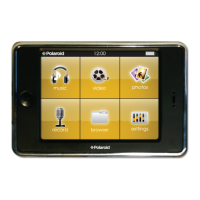
1. Select “browser” from the main menu.
2. Touch the file you wish to delete.
3. Press the button and then touch “Delete File” to confirm and delete the file.
OR
● From your computer
You can easily delete music, picture, or video files by connecting your MP3 Player to the computer and selecting “MP3” from
Windows Explorer
or “My Computer”, or click on “Open Folder” to view files from the “AutoPlay” option window. Simply select the file and delete it as you would
delete any other file from your computer.


 To Next Page
 Loading...