8
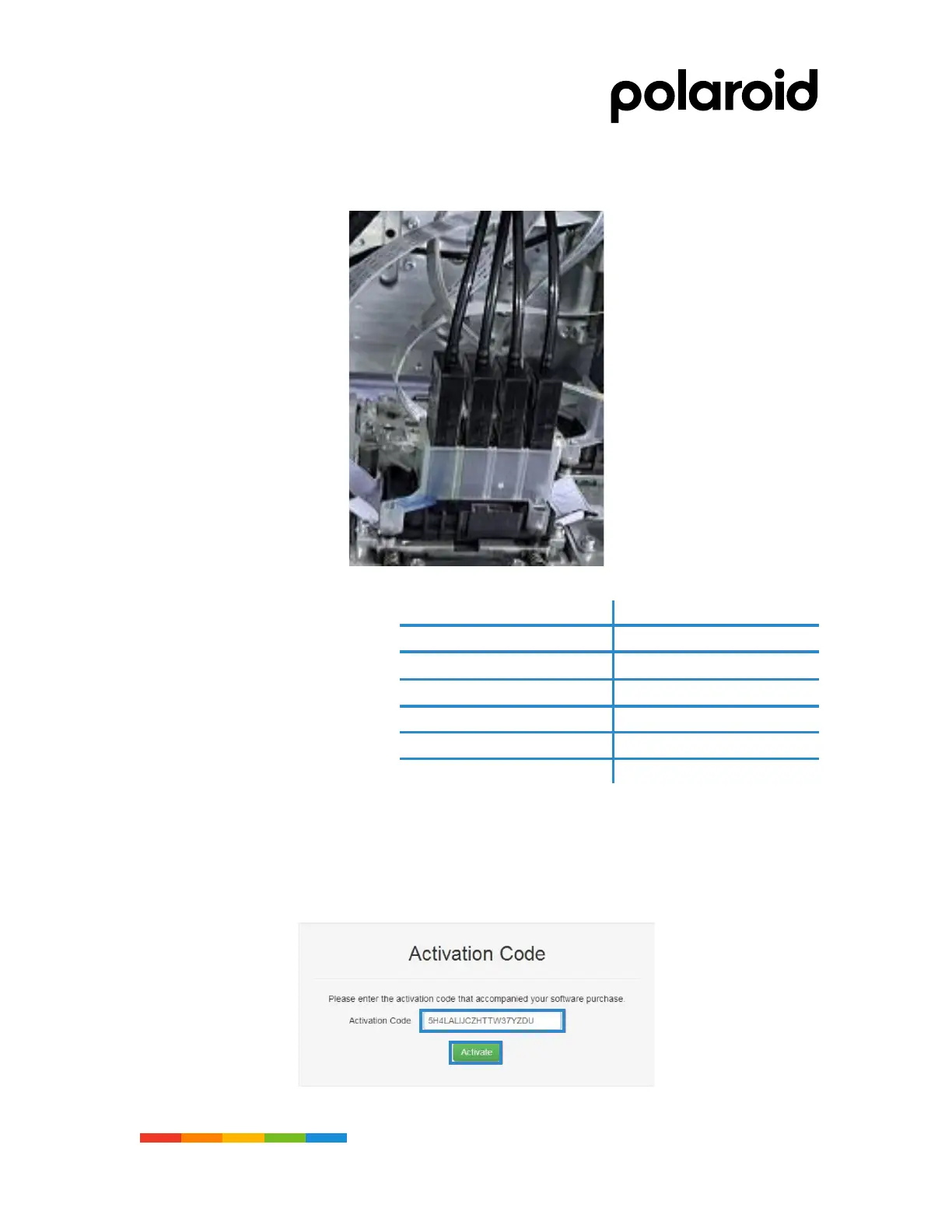
Step 7. Damper installation
Install damper as the sequence from left to right.
Step 8. Computer configuration
Computer configuration standard
Print driver installation
Add ICC
Step 9. PhotoPrint Installation
• Install activation software on a computer with Internet access
• Launch the browser and enter the activation site in your browse https://www.saicloud.com
• After entering the website, select the language as Chinese at the bottom of the website
• Enter the activation code in the PhotoPrint software box in the random accessory pack in the
activation code box and click the activation button.



 To Next Page