22
Chapter 2 Installing the LCD TV
Press the OK button to display the received channel list, then press ▲▼ to select a
channel. Or, use the ▪ (INPUT button) with 0-9 buttons to select digital channel( for
example 9.1)
The digital main channel might include many subchannels (for example 9-1, 9-
2..) that are showing program at the same time.
The Channel Scanning will create a list of receivable channels for the current
input (antenna or cable). You will be required to run Channel Scanning for each
RF input to create a list of available channels from both inputs.
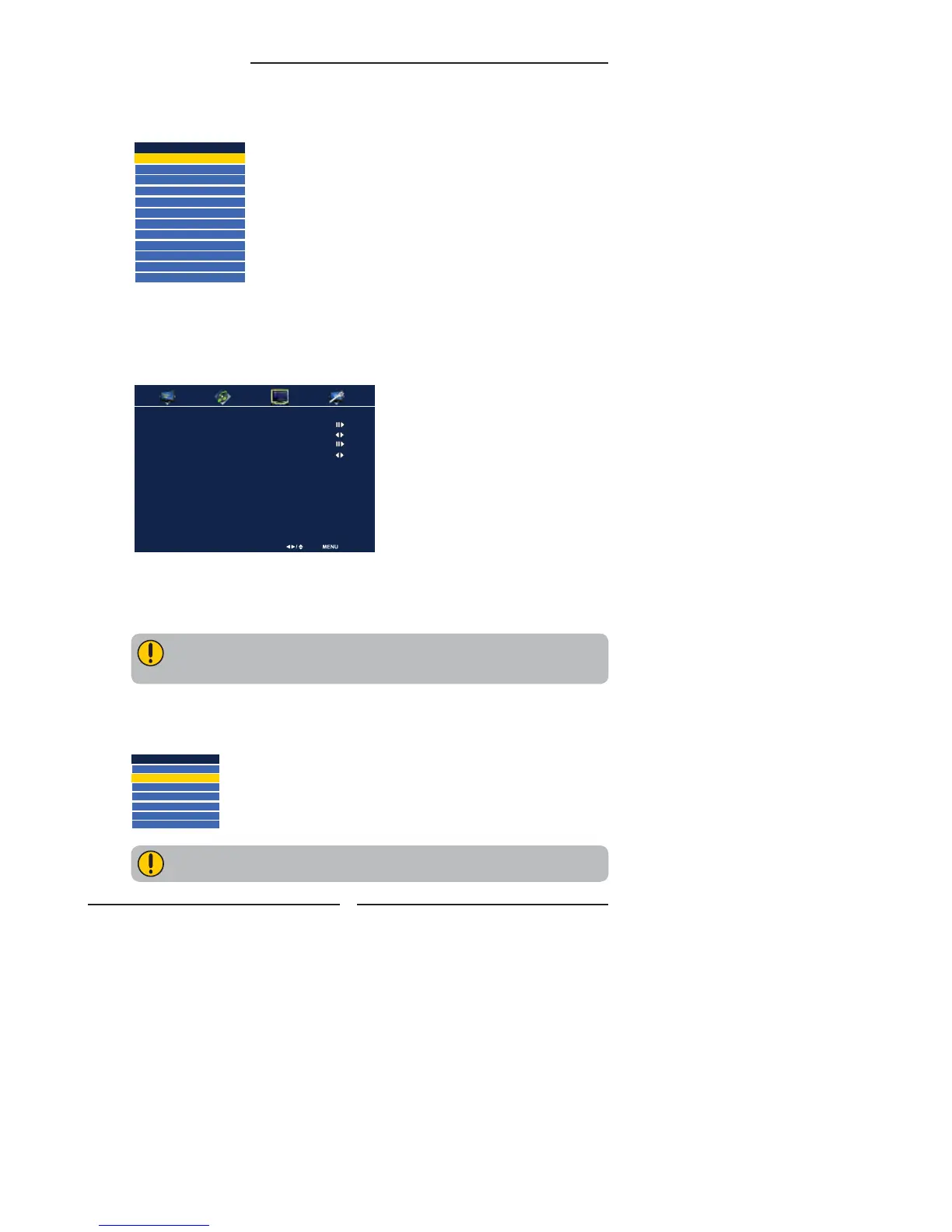
Press the INPUT button on the remote to display the Input List. Use the ▲▼ buttons to
select TV and press the OK button.
Press the MENU button on the remote control to display the Main menu, and use the ◄►
buttons to select the TV.
Press the ▼ button to select Channel Scan, and press the OK button.
The Channel Scan automatically creates a list of receivable channels. Press the MENU
button at any time to interrupt the memorization process.(the list cannot be created if
interrupted)
Channel List
5-2 RF5-2
9-1 KQED-HD
9-2 KOED-SD
8 CCT
12
13
15
TV Select Exit
Channel Scan
Tuner Mode Cable
Channel Skip
Time Zone Eastern Time
Main
TV(CABLE/AIR)
VIDEO1 (SIDE)
VIDEO2 (REAR)
VIDEO3 (S-VIDEO)
VIDEO4 (YPbPr1)
VIDEO5 (YPbPr2)
DVD
USB
CARD READER
VIDEO6 (HDMI1)
VIDEO7 (HDMI2)
COMPUTER(VGA)


 To Next Page
 Loading...