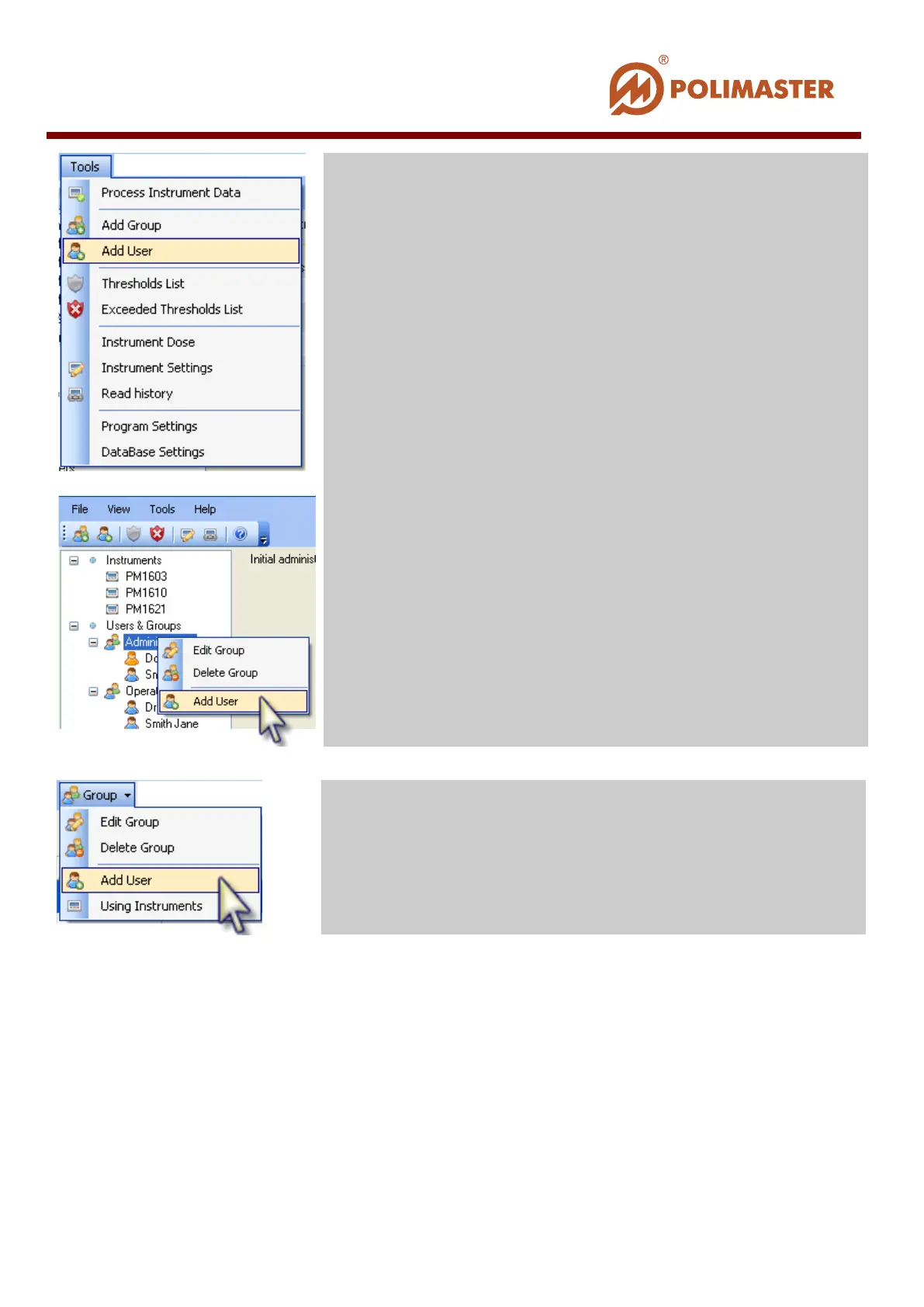
Add/Edit User dialogue window opens for MAIN ADMINISTRATOR to enter (or edit)
user information, classify the user (add to new group or change current group membership),
change system access level, as well as enter some notes.
Select corresponding tab of the Add/Edit User window and enter required information.
Tools menu and click Add User command;
-click on the name of the highlighted group
a new user will be added, or right-
existing user. Click Add User command from the context
menu.
Group card select Add Group command.
____________________________________________________________________________________
© 2016 Software Guide www.polimaster.com
83



 To Next Page