3
Using your Headphones
Listen
But first…turn down the volume on your music player before putting on your
headphones. Connect with or plug the headphone cable into the 1/8” (3.5 mm)
stereo jack on your music player.
Important: Headphones have a left and right orientation. They use the markings “L”
and “R” to indicate which earcup goes on which ear. These markings can be found on
the inside of the headband.
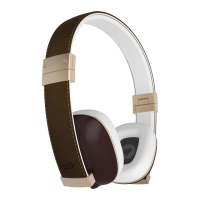
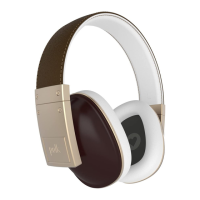
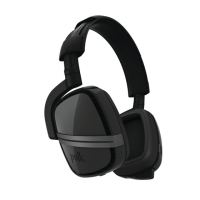
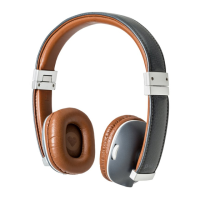
Adjusting the Hinge wireless headband
For optimum performance and comfort, you want your headphones to fit snugly
and create a comfortable yet effective seal on your ears. A proper fit ensures the
best sound as well as some effective noise reduction from outside sources. Working
together, the headband and the pivoting earcups will fit any size head, even yours.
• The headband should sit flat across the top of your head.
• Adjust the built-in headband slider as necessary
• The pivoting headphone earcups should fit on your ears and you should feel an
even snugness all the way around and against your ears. This indicates a good fit,
which means outside sounds should be muffled.
Charging your headphones
Use the Micro USB port to charge your headphone’s battery. Charging should take no
longer than 2 hours. A fully charged battery should provide up to 12 hours of listening.
When fully charged, the LED will be green.
Built-in microphones
A chat microphone and a noise cancellation microphone are built into the right
earcup. These microphones use Digital Signal Processing to optimize voice clarity.
LED Status
LED Description
Flashes white Bluetooth pairing mode
Solid white Bluetooth connected, battery charge good
Pulses amber Headphones charging
Solid green Headphones fully charged
Solid amber Battery charge low





 To Next Page