
 Need help?
Do you have a question about the Polk Audio XRt12 and is the answer not in the manual?
Comprehensive list of safety guidelines for operating the equipment, including water proximity, cleaning, and ventilation.
Critical warnings regarding electric shock risks, emphasizing not opening the unit and referring servicing to qualified personnel.
Step-by-step instructions for connecting the XM Reference Tuner to audio equipment and using the remote control.
Details on RS-232C and 12V Trigger input connections for system integration and control.
Guidance on optimizing antenna placement using signal strength indicators for best reception.
Instructions for placing and orienting the antenna on a flat surface for optimal satellite signal.
Guidance on attaching the antenna vertically to a wall for convenient placement and strong signal reception.
Steps to activate the XM Satellite Radio service, including finding the Radio ID and subscription process.
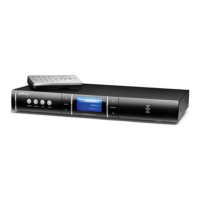
Description of the functions for each button on the front panel of the XM Reference Tuner.
Explanation of the information displayed on the XM Reference Tuner screen.
Detailed explanation of the purpose and operation of each button on the remote control.
Instructions for turning the tuner on/off and performing basic channel selection methods.
Methods for previewing, selecting channels, and managing preset channels.
Features for enlarging display text and saving/recalling artist and song title information.
Guide to accessing and adjusting tuner settings like display, memory, channel skip, and factory defaults.
 General
| Brand | Polk Audio |
|---|---|
| Model | XRt12 |
| Category | Tuner |
| Language | English |

 To Next Page
