EasyManua.ls Logo

Polk Mono PRC200BC - Soft Button Functions for Bluetooth, SiriusXM, and Weather Band

Polk Mono PRC200BC
5 pages
Print Icon
To Next Page IconTo Next Page
To Previous Page IconTo Previous Page
Loading...
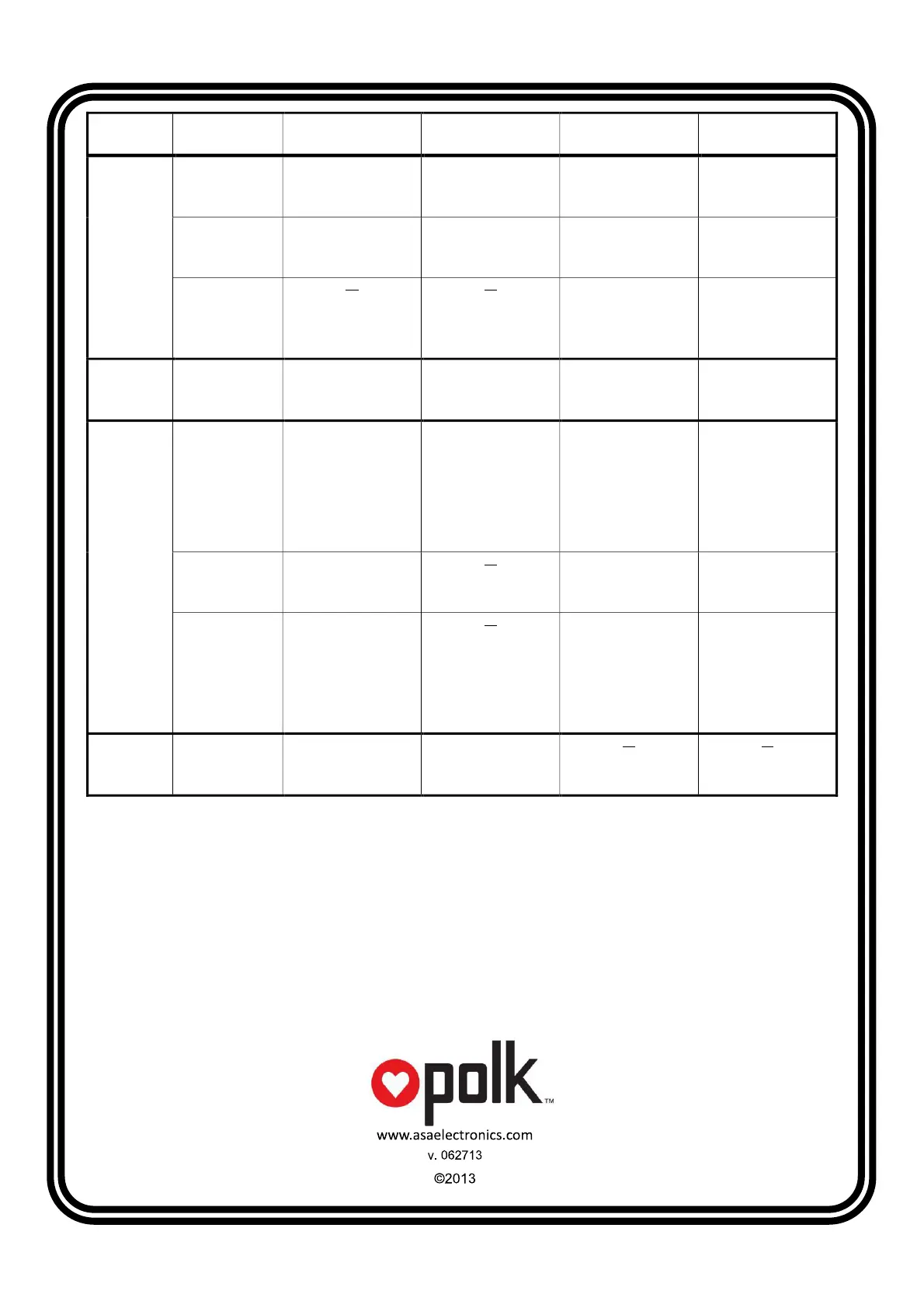
Mode
User Interface
Page
Key 1 Key 2 Key 3 Key 4
USB / iPod
Default |<<
Press: previous track
Hold: Rewind
>>l
Press: next track
Hold: Fast-forward
RRI
Enter RRI (Repeat,
Random, Intro) page
LIST
Browse files/folders in
the device
RRI RPT
Toggle repeat
function
RND
Toggle random
function
INT
Toggle intro function
(USB only)
Return
Return to the
default page
LIST BACK
Reverse navigate to
previous level
directory
Return
Return to the
default page
Bluetooth Default |<<
Previous track
>>l
Next track
|<>|
Connect / disconnect
device
INFO
Display device name
SiriusXM
Default |<<
Press: tune down
Hold: fast tune down
>>l
Press: tune up
Hold: fast tune up
PSET
Enter preset page
INFO
Display information:
NAME (artist) >
SONG (title) > INFO
(content, if available)
> CAT (Category)
PSET PS
Scan stations stored
in preset list
LIST
Display the preset list
Return
Return to the
default page
PSET List SAVE
Save currently tuned
station to highlighted
preset location
INFO
Display information:
NAME (artist) >
SONG (title) > INFO
(content, if available)
> CAT (Category)
Return
Return to the
default page
Weather
Band
Default |<<
Tune to previous
station
>>l
Tune to next
station
Remark: Maximum Operation Temperature: 65
℃