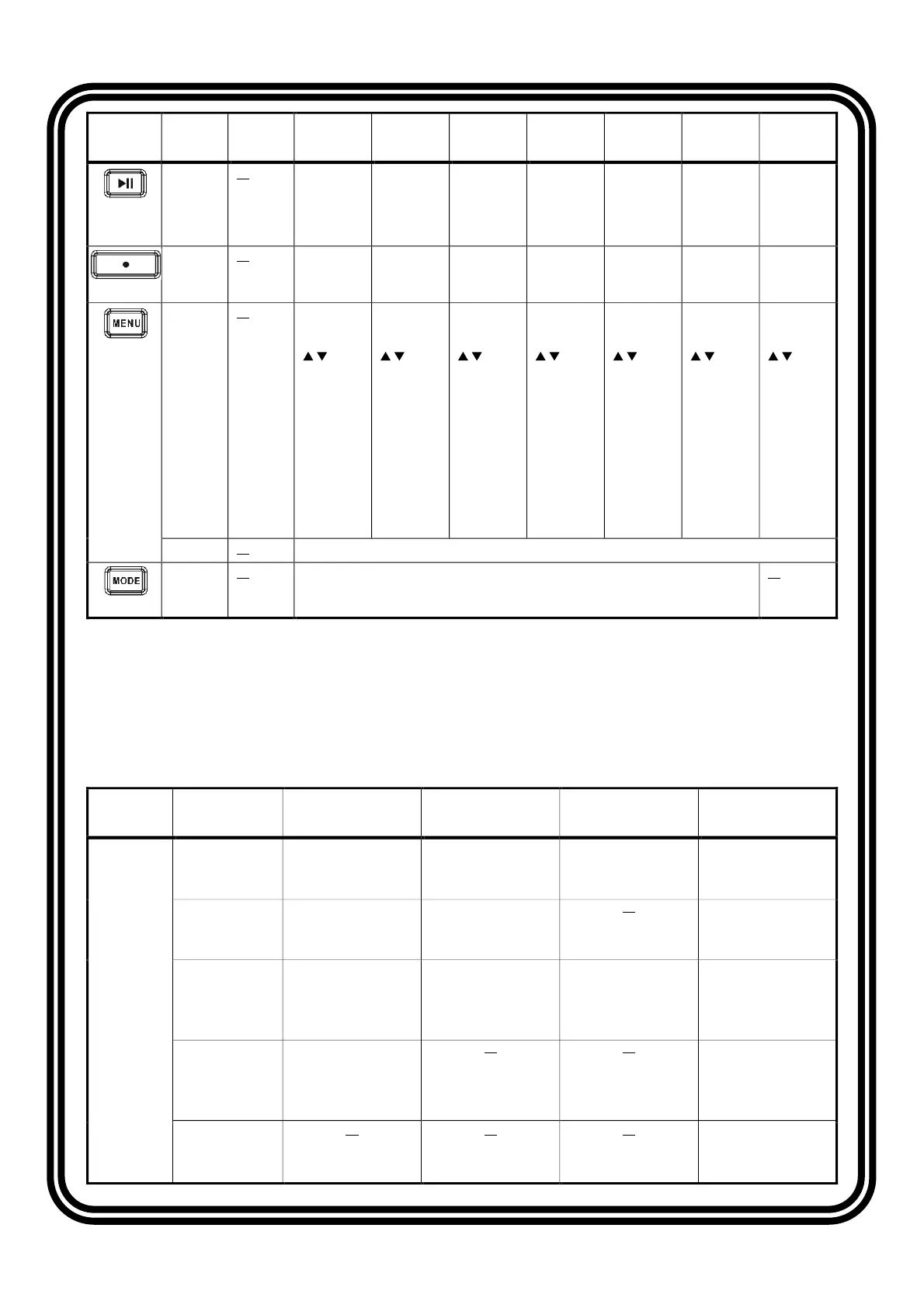
Control Action Standby Radio USB iPod AUX Bluetooth
SiriusXM Weather
Band
Play /
Pause
Press Mute Play /
Pause
Play /
Pause
Mute Play /
Pause
Mute Mute
Enter
Press Enter
Enter Enter Enter Enter Enter Enter
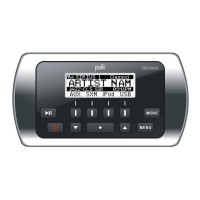
Menu
Press
AUDIO
MENU:
Press the
/ button
to change
the
displayed
information:
Bass >
Treble >
Balance >
Fader. Then
press
ENTER to
make a
selection.
AUDIO
MENU:
Press the
/ button
to change
the
displayed
information:
Bass >
Treble >
Balance >
Fader. Then
press
ENTER to
make a
selection.
AUDIO
MENU:
Press the
/ button
to change
the
displayed
information:
Bass >
Treble >
Balance >
Fader. Then
press
ENTER to
make a
selection.
AUDIO
MENU:
Press the
/ button
to change
the
displayed
information:
Bass >
Treble >
Balance >
Fader. Then
press
ENTER to
make a
selection.
AUDIO
MENU:
Press the
/ button
to change
the
displayed
information:
Bass >
Treble >
Balance >
Fader. Then
press
ENTER to
make a
selection.
AUDIO
MENU:
Press the
/ button
to change
the
displayed
information:
Bass >
Treble >
Balance >
Fader. Then
press
ENTER to
make a
selection.
AUDIO
MENU:
Press the
/ button
to change
the
displayed
information:
Bass >
Treble >
Balance >
Fader. Then
press
ENTER to
make a
selection.
Hold Enters the System Menu.
Mode
Press Press the MODE button to display available modes including Radio, iPod, USB,
BT, SiriusXM (SXM), Auxiliary (Aux), and Weather Band (WB)
Soft Buttons
Mode User Interface
Page
Key 1 Key 2 Key 3 Key 4
Radio
Default Tune
Enter tune page
Band
Toggle between
AM/FM (RBDS)
PSET
Enter preset page
Return
Return to the
default page
Tune |<<
Press: tune down
Hold: tune seek down
>>l
Press: tune up
Hold: tune seek up
Return
Return to the
default page
PSET
AS
Auto-scan and store
strongest stations in
preset list
PS
Scan stations stored
in current preset list
LIST
Display the preset list
Return
Return to the
default page
PSET List SAVE
Save currently tuned
station to highlighted
preset location
Return
Return to the
default page
PTY Return
Return to the
default page


 To Next Page
 Loading...