6
Changing Ringing Tone
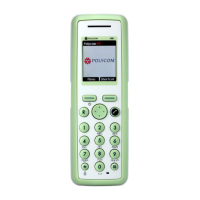
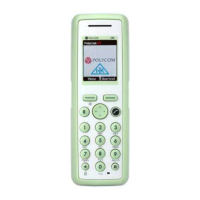
1 Press Menu to enter main menu.
2 Scroll to
Settings and press Select.
3 Scroll to
Ringing tone and press
Select.
4 Scroll to desired ringing tone and
press
Change to listen to chosen
ringer tone.
5 Press
Back.
Turning Vibrator On/Off
(Not available on 7010)
1 Press Menu to enter main menu.
2 Scroll to
Settings and press Select.
3 Scroll to
Vibrator and press Select.
4 Scroll to
On or Off and press Change.
5 Press
Back.
Adding Contact to Phone
Book
1 Press Menu to enter main menu.
2 Scroll to
Phone Book and press
Select.
3 Scroll to
Add name/number and press
Select.
4 Type the name of the contact using
the keys 2-9.
5 Scroll to number and enter the
number of the contact (max. 24
digits).
6 Press
Save to store the name and
number.


 To Next Page