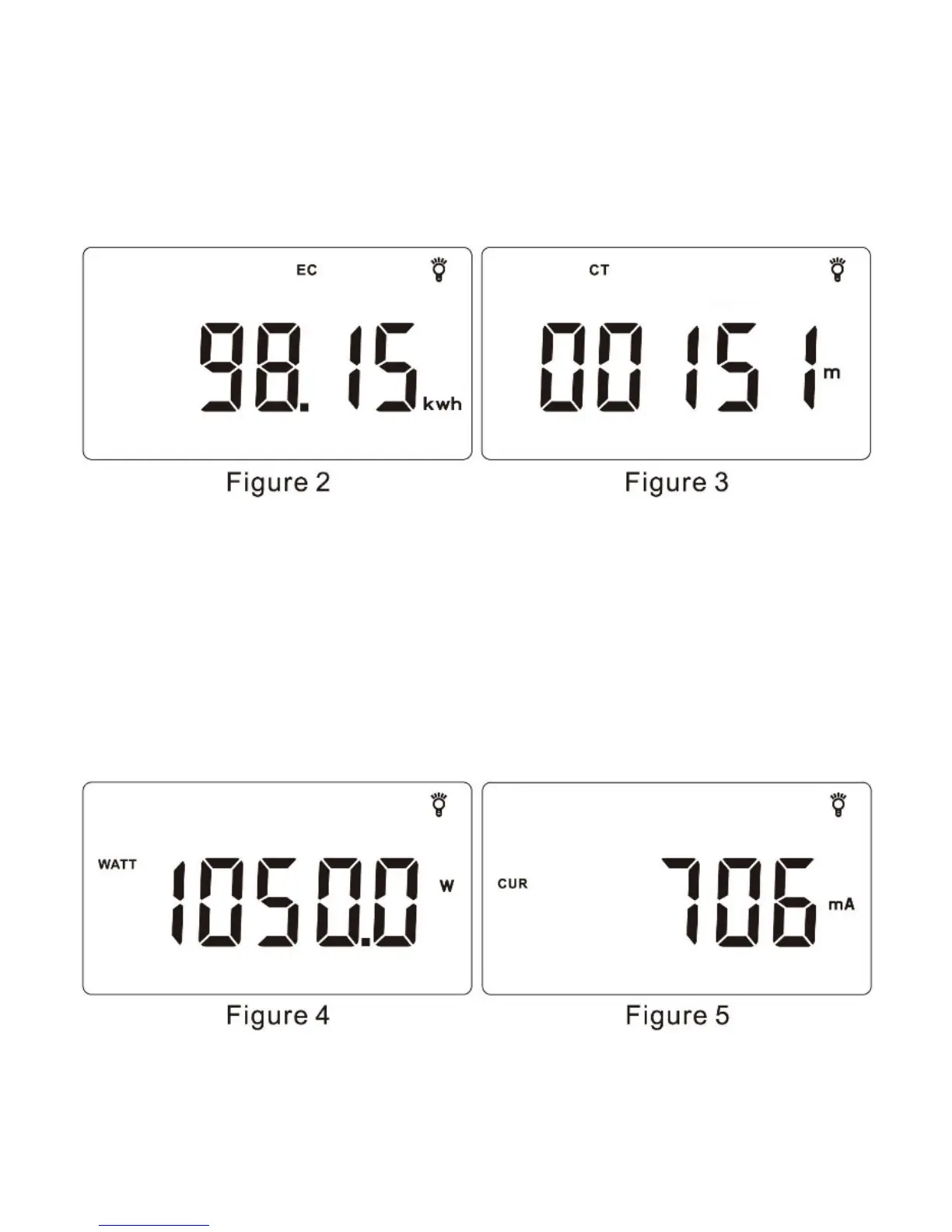
How to clear EC and CT data?
Respectively switch to EC and CT monitoring interface. Press “SET” for 2s,
the cumulative electricity consumption value and time will flicker. Press “OK”
to reset.
A
○
3E AWatts and Current
Respectively switch to Watts (WATT) monitoring interface (as shown in
Figure 4) and Current (CUR) monitoring interface (as shown in Figure 5) by
pressing “
▼” or “▲”, the measuring display ranges shall be above 0.20W and
1.000-16.000A (It displays mA when under 1A).
A
○
4E AVoltage and Frequency
Respectively switch to Voltage (VOLT) monitoring interface (as shown in
Figure 6) and Frequency (FREQ) monitoring interface (as shown in Figure 7)


 To Next Page