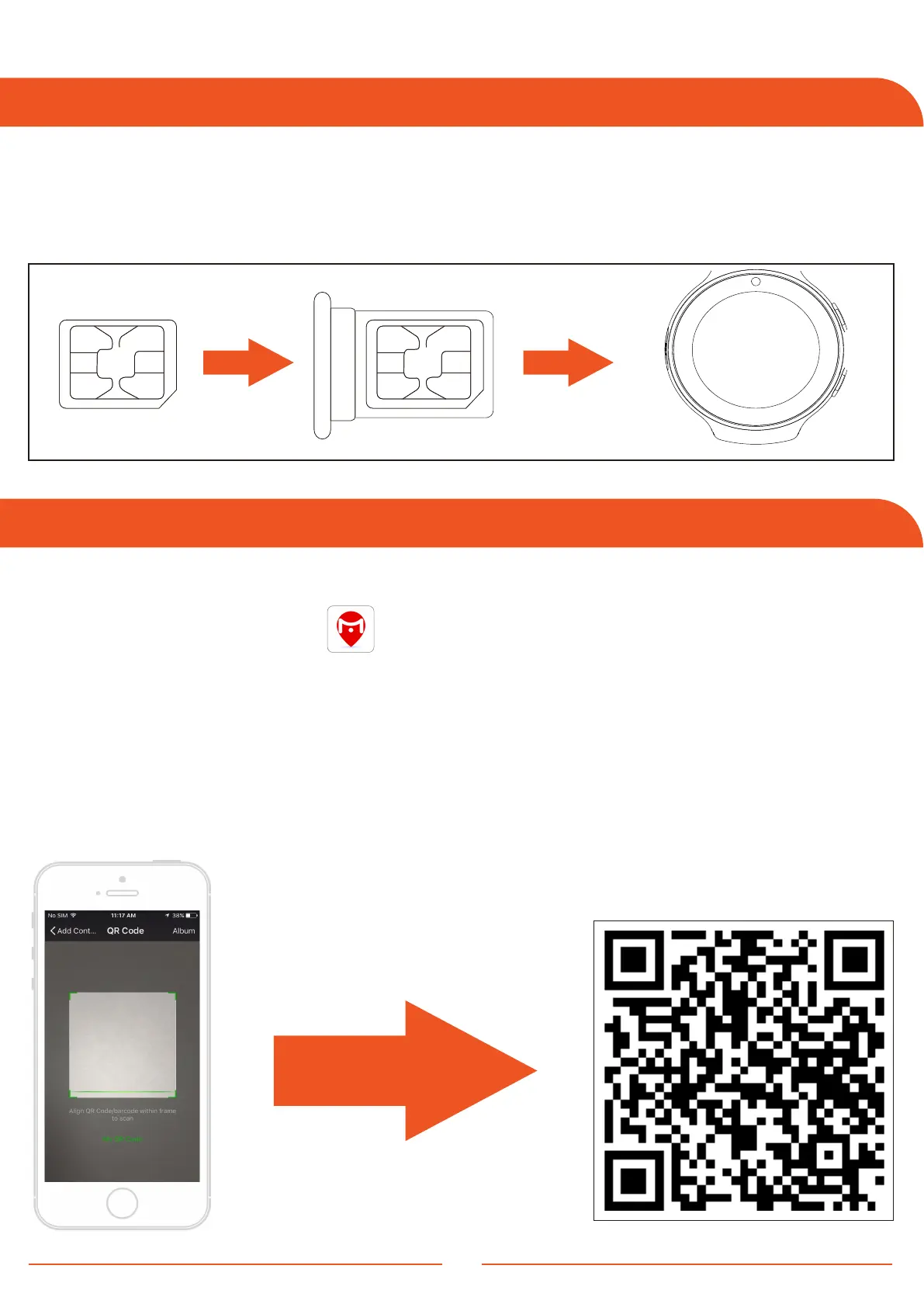
1 . Eject the SIM card tray from the device. Place the SIM card into the tray
with the chip facing upwards.
2 . Turn on the watch and wait for it to establish a network connection.
Installing the SIM Card
Downloading the App
1 . Use your smartphone to scan the QR code below.
2 . Search the "JuniCare" app on the Google Play or App Store. Play or
App Store.
3 . The "JuniCare" app is compatible with IOS 11 and Android 4.4 and above.
4 . The watch connects to the "JuniCare" app via Bluetooth connection.
Make sure you have enabled Bluetooth on your smartphone.
5 . On your smartphone, search the list of available devices and pair it with the
device named "LT51".
4
Use your smartphone
to scan the QR code.



 To Next Page