5
TROUBLESHOOTING
INSIDE COVER LENS REPLACEMENT
Replace the Inside Cover Lens if it is damaged (cracked, scratched, pitted or dirty)� Place your finger
or thumb into the recess and flex the Inside Cover Lens upwards until it releases from one edge�
Then remove any protective film before installing the new one�
CLEANING AND STORING
Keep the sensors, solar cell, and filter lens clean� Clean filter cartridge and helmet shell by using a
soapy water solution and soft cloth� Do not use solvents or abrasive cleaning detergent� Switch the
product to Grind Mode and put it in a clean, dry location for storage�
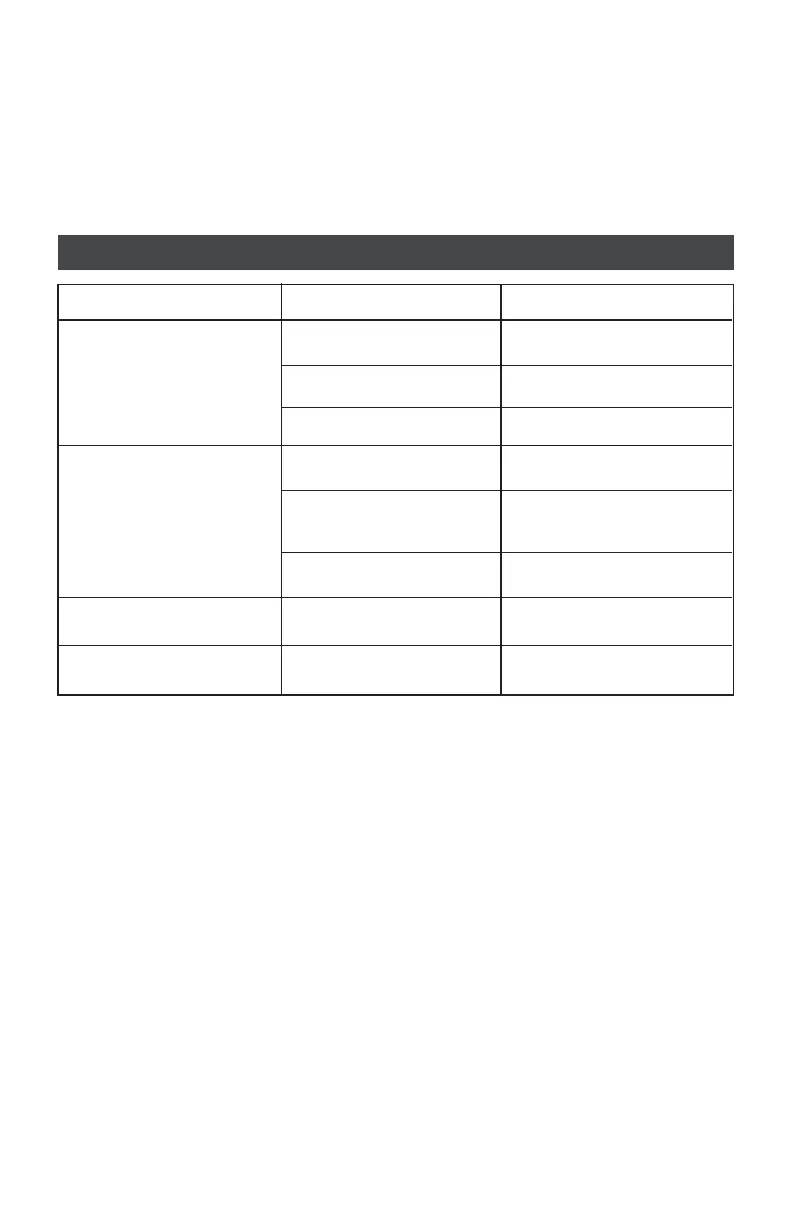
PROBLEM(S) POSSIBLE CAUSE(S) SUGGESTED SOLUTION(S)
Difficult to see through filter
Filter does not darken when
arc is struck
Filter darkens without arc
Filter remains dark
after welding
Protective film on Front/Inside
Cover Lens not removed
Grind mode selected
Set Sensitivity to HIGH
Set Delay to MAX
Front/Inside Cover Lens dirty
Sensors or Solar
Panel blocked
Filter lens dirty
Set Sensitivity to LOW
Remove protective film
Select Weld Mode and adjust
shade from 9 to 13
Clean or replace Front/Inside
Cover Lens
Make sure Sensors or Solar
Panel are exposed to weld arc
withouth blocking
Clean filter lens
Adjust Sensitivity to
required level
Adjust Sensitivity to
required level
Adjust Delay to
required level



 To Next Page