EasyManua.ls Logo

Portfolio VEL-8041MD-BN - User Manual

Portfolio VEL-8041MD-BN
24 pages
Print Icon
To Next Page IconTo Next Page
Loading...
Portfolio® is a registered
trademark of LF, LLC. All rights
reserved.
Questions, problems, missing parts? Before returning to your retailer, call our
customer service department at 1-800-643-0067, 8 a.m. – 6 p.m., EST,
Monday – Thursday, 8 a.m. – 5 p.m., EST, Friday
ATTACH YOUR RECEIPT HERE
Serial Number Purchase Date
1
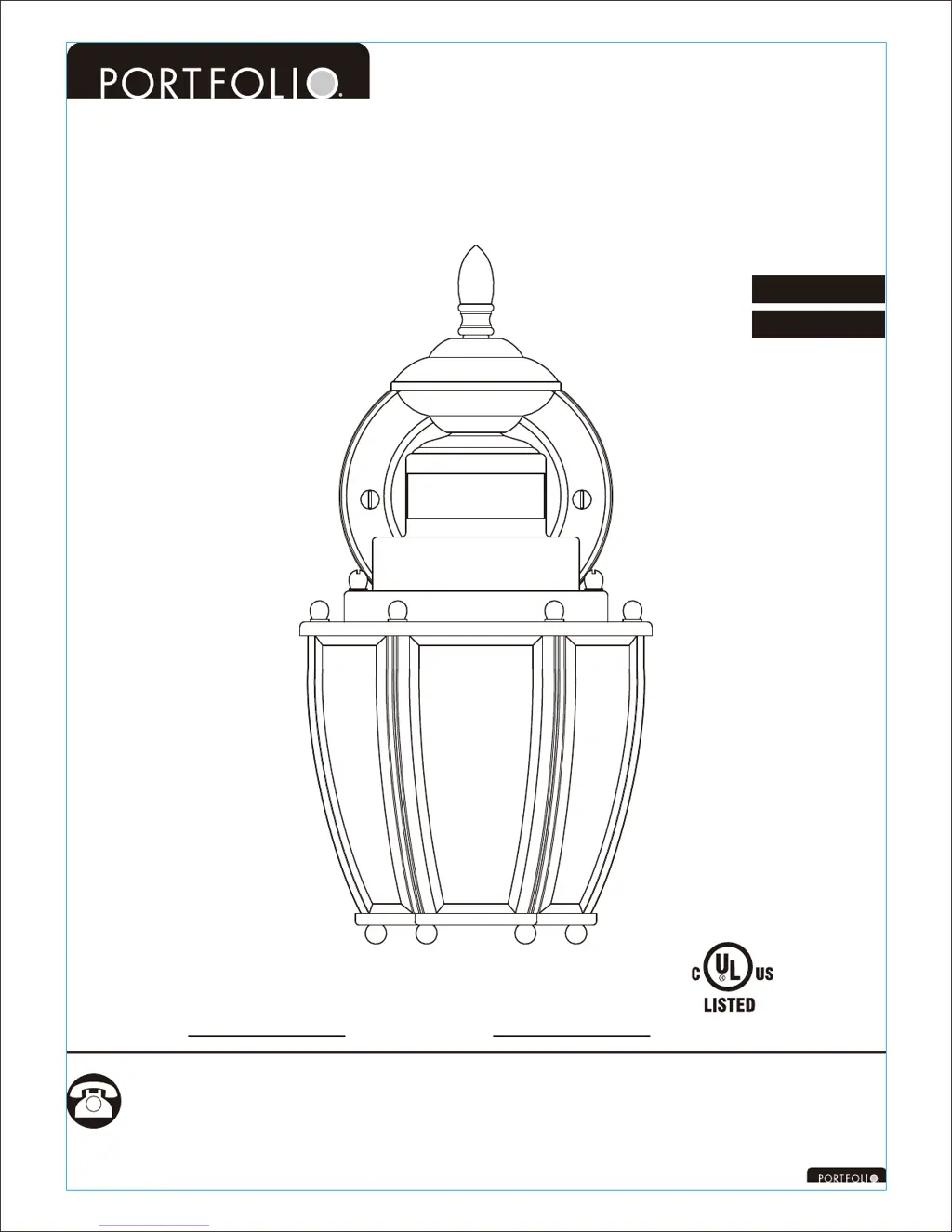
MOTION-ACTIVATED
WALL LANTERN
Français p. 9
Español p. 17
MODEL #
VEL-8041MD-BN
MODEL #VEL-8041MD-BK
MODEL #VEL-8041MD-PB
ITEM #0297078
ITEM #0314224
ITEM #0066580
AB13634
Lowes.com/portfolio

Questions and Answers

  • J
    Jeremiah JamesAug 11, 2025
    What to do if Portfolio VEL-8041MD-BN Lantern light does not turn on with motion?
    • J
      John BakerAug 11, 2025
      If your Portfolio Lantern doesn't activate in motion sensing mode, several factors could be at play. First, ensure the wall switch or circuit breaker is on. A dead or loose light bulb can also be the culprit; test the bulb in a working fixture and tighten it if loose. Check for incorrect or loose wire connections. Too much sunlight or light from other sources (like street lamps) shining on the photocell sensor might interfere; relocate the fixture or block the light. Finally, if the sensor is mounted too high, moving objects might be out of its view; try relocating the fixture to a lower position.
  • M
    Monique RyanAug 16, 2025
    Why does Portfolio VEL-8041MD-BN Lantern light come on for no reason?
    • A
      Anthony LaneAug 16, 2025
      The Portfolio Lantern light might activate unexpectedly due to street or sidewalk traffic triggering the motion sensor; try lowering the sensitivity. Alternatively, a heat source like a heater, dryer vent, or heated pool could be the cause; eliminate the heat source or relocate the fixture.
  • C
    Chad GreeneAug 22, 2025
    Why does Portfolio VEL-8041MD-BN stay on continuously in motion sensing mode?
    • S
      Steven WestAug 22, 2025
      The Portfolio Lantern might stay on continuously due to false triggering caused by a heat source, such as a heater, dryer vent, or heated swimming pool. To resolve this, try to eliminate the heat source or relocate the fixture.
  • C
    Connie LesterAug 28, 2025
    What to do if Portfolio Lantern is always on during the day?
    • H
      Heather MorrisAug 28, 2025
      If your Portfolio Lantern is always on during the daytime or evening in motion sensing mode, there may be a setting problem. Turn off the wall switch, wait 10 seconds or longer, then turn the wall switch on again.
  • B
    Brittany HancockSep 3, 2025
    Why does Portfolio VEL-8041MD-BN come on too early?
    • A
      Adrian LeeSep 3, 2025
      The Portfolio Lantern might activate too early in the evening or during the daytime if it's installed in a shaded area, such as under a porch or eave, which prevents daylight from reaching the photocell sensor. Relocating the fixture may solve this issue.

Portfolio VEL-8041MD-BN Specifications

General IconGeneral
BrandPortfolio
ModelVEL-8041MD-BN
CategoryLantern
MaterialPlastic
Type of BulbLED
Battery Count3
Power SourceBattery
Batteries3 D batteries required.
Light Output300 Lumen
Battery TypeD Cell

Related product manuals