Need help?
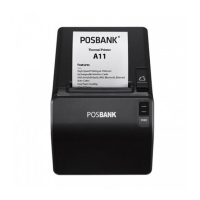
Do you have a question about the POSBank A11 Prime and is the answer not in the manual?
Lists the items included in the printer box and advises contacting the dealer if any are damaged or missing.
Details the pin assignments and functions for the RS-232C serial connection.
Details the pin assignments and functions for the USB connection, including VBUS and GND.
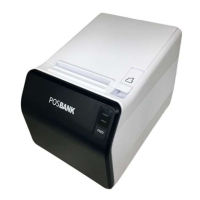
Describes the POWER, ERROR, and FEED buttons on the printer's control panel and their functions.
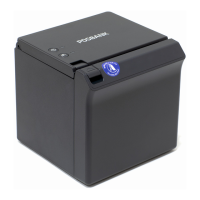
Instructions on how to attach the 2-inch partition to the printer.
Instructions on how to clean the printer's print head, paper sensor, and paper roller to maintain print quality.
 General
| Resolution | 203 DPI |
|---|---|
| Printing Method | Thermal |
| Paper Width | 80 mm |
| Interface | USB, Ethernet, Serial |
| Auto Cutter | Yes |
| Type | Receipt Printer |
| Paper Roll Diameter | 83 mm |

 To Next Page