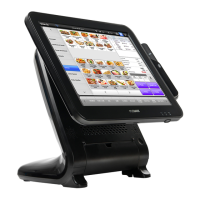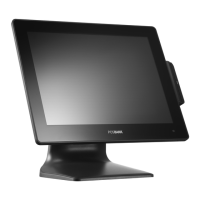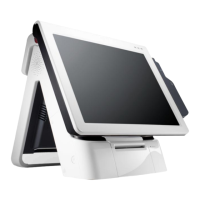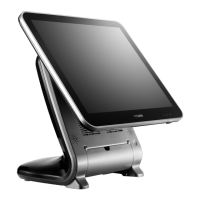
 Need help?
Do you have a question about the POSBank ANYSHOP PRIME and is the answer not in the manual?
 General
| Brand | POSBank |
|---|---|
| Model | ANYSHOP PRIME |
| Category | Touch terminals |
| Language | English |
Provides essential safety guidelines for operating and handling the POS system.
Step-by-step instructions for switching the POS system on and off.
Procedures for replacing LCD monitor, hinge, back cover, motherboard, and HDD.
Instructions for installing optional modules like LCD, CDP, MSR, USB, Speaker, Memory, and Cash Drawer.
Troubleshooting steps for network, MSR, USB, and LCD related problems.
Solutions for touch-screen, power, keyboard, and booting problems.
General guidelines and safety warnings for performing maintenance on the POS unit.
 To Next Page