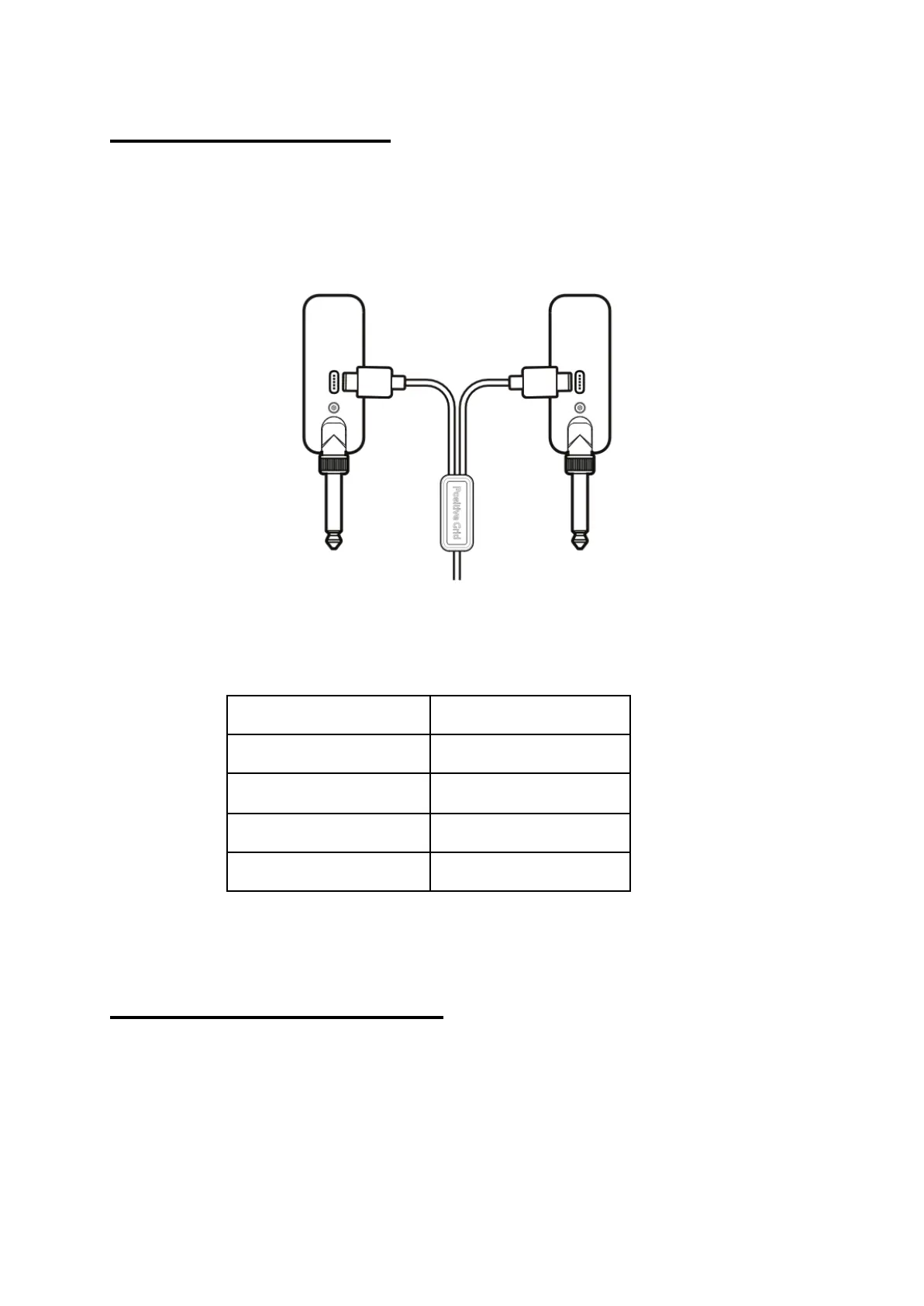
Charging Spark LINK
Plug Spark LINK TX and Spark LINK RX into a USB power supply
with the USB cable provided. It is recommended the power supply be
5V-1A.
While charging, the LED indicator on both devices will display battery
level.
Auto Power Management
If there's no signal for 15 minutes, Spark LINK TX will automatically
turn off to conserve battery. Spark LINK RX will likewise turn off after
15 seconds if it detects no connection to Spark LINK TX.


 To Next Page