23
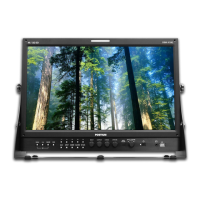
Pro
essional Video Monito
Outstan
ing Picture Qua
ity
OBM-N/L/R/H Ser
e
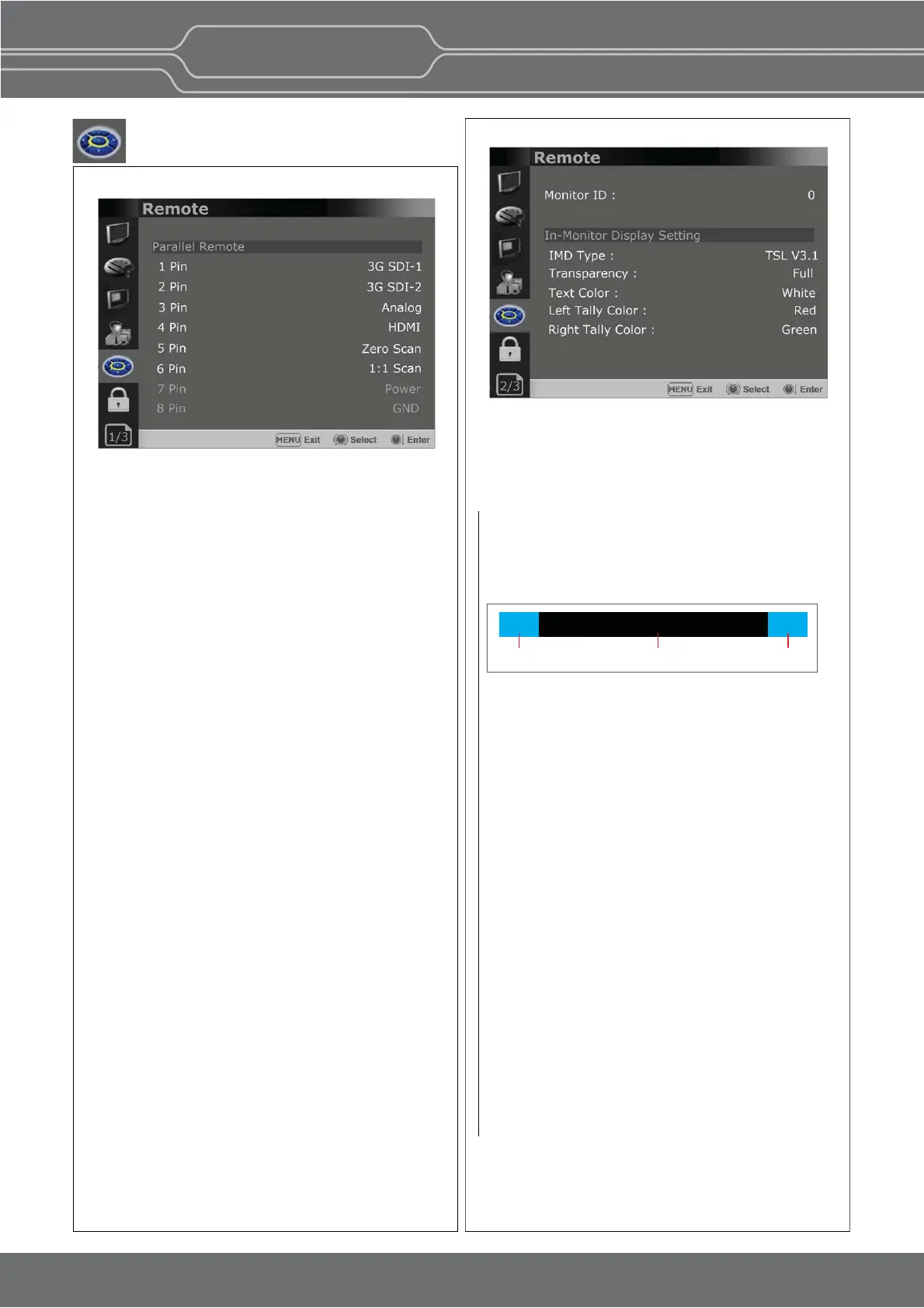
Remote Menu
[--]
[3G SDI-1]
[3G SDI-2]
[Analog]
[HDMI]
[Zero Scan]
[1:1 Scan]
[4:3 Aspect]
[16:9 Aspect]
[Auto Aspect]
[H/V Delay]
[Blue Only]
[Mono]
[Marker]
[TALLY R]
[TALLY G]
[User Preset1]
[User Preset2]
[User Preset3]
[User Preset4]
[User Preset5]
[ITU-R BT.709]
[Nave]
[OBM-HDR]
[Cam. Log Default]
[Cam. Log User]
** [--]: No funcon is assigned.
*7 Pin: For Power On and Off only
*8 Pin: For Ground only
Parallel Remote
Selects the Parallel Remote connector pins for
which you want to change the funcon.
Various funcons can be assigned to pin 1 to 6.
The following is the list of the funcons which can
be assigned to the pins.
Monitor ID
Sets the ID of the monitor to control the monitor
through Serial Remote or Network.
In-Monitor Display Seng
The monitor supports “TSL UMD Protocol –
V3.1 & V5.0”
provided by Television System Ltd.
[Transparency], [Text Color], [Le Tally Color],
** The monitor displays English alphabet, numbers,
Symbolic codes.
** Up to 16 characters can be displayed in English.
IMD Type
- Selects the In-Monitor Display type.
Available modes are [Off],[TSL V3.1],[TSL V5.0].
Transparency
Selects [Full] or [Half] for the background of IMD.
-
[Full]: The background is black. The displayed
image is hidden behind the background.
-
[Half]: The background is transparent.
The displayed image can be seen
indisnctly behind the IMD display.
Text Color
Selects the color of text displayed in IMD.
-
[White],[Red],[Green],[Blue],[Yellow],[Cyan],
[Magenta] can be selected.
Le Tally Color
Selects the color of the le tally lamp displayed in IMD.
-
[White],[Red],[Green],[Blue],[Yellow],[Cyan],
[Magenta] can be selected.
Right Tally Color
Selects the color of the right tally lamp displayed in IMD.
-
[White],[Red],[Green],[Blue],[Yellow],[Cyan],
[Magenta] can be selected.
CAMERA-1
Le Tally Text Right Tally
Page 1/3
Page 2/3


 To Next Page