PRK-7000 Operation Manual
-
15
-
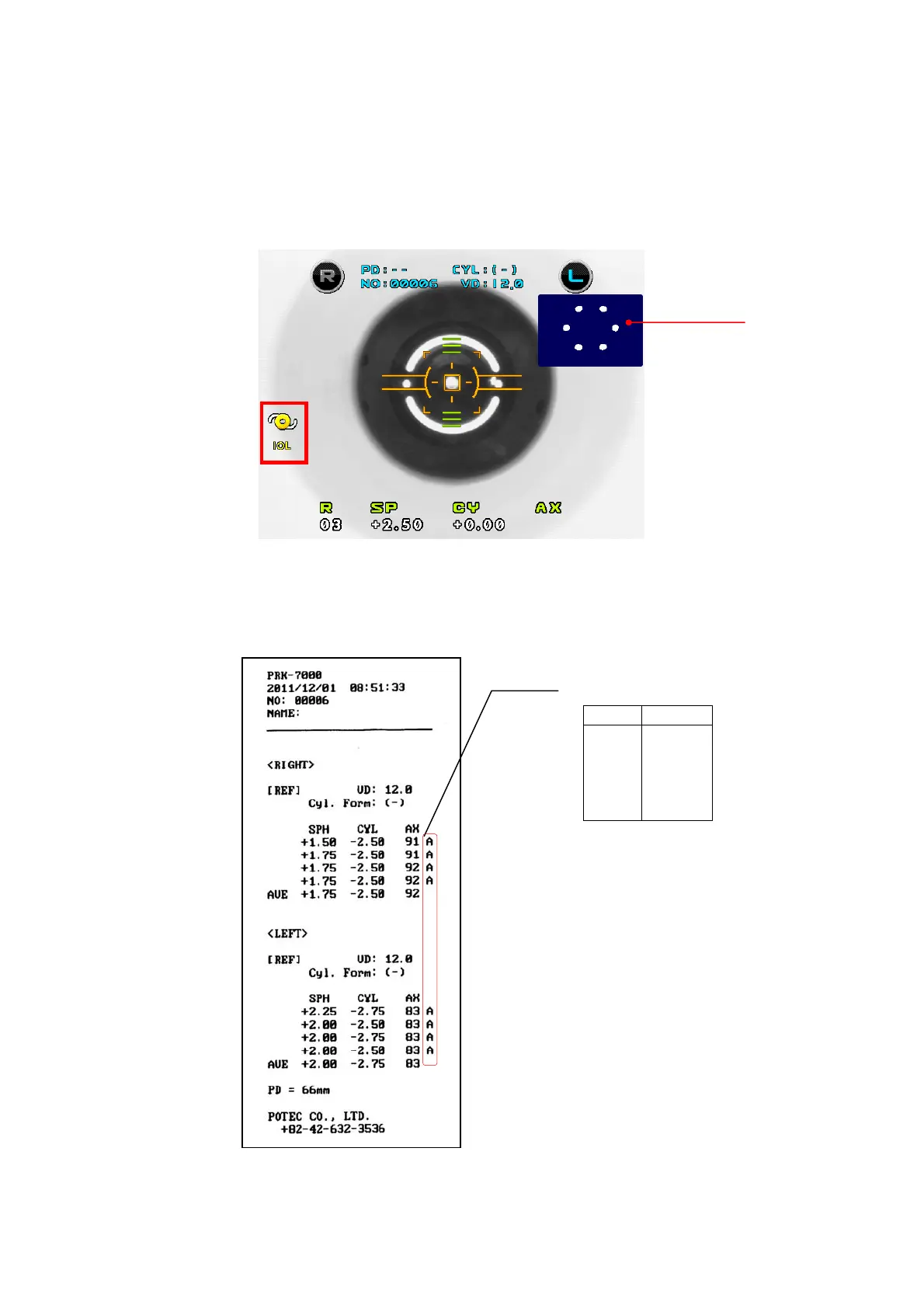
③ If error occurs or the measurement value is instable during the REF
measurement, follow as the below instructions.
¾ Click the IOL button then REF Image is shown on the monitor.
¾ Make the six circles seen clearly by moving the operation lever.
¾ Measure the REF by clicking the measurement button
(5) Follow the same procedure (5)~(7) of the Continuous Keratometry and Refractometry
[K/R Mode].
< example of printout >
Confidence of Result
Level Quality
A (High)
B
↕
C
D
E (Low)
REF IMAGE



 To Next Page