PRK-7000 Operation Manual
-
24
-
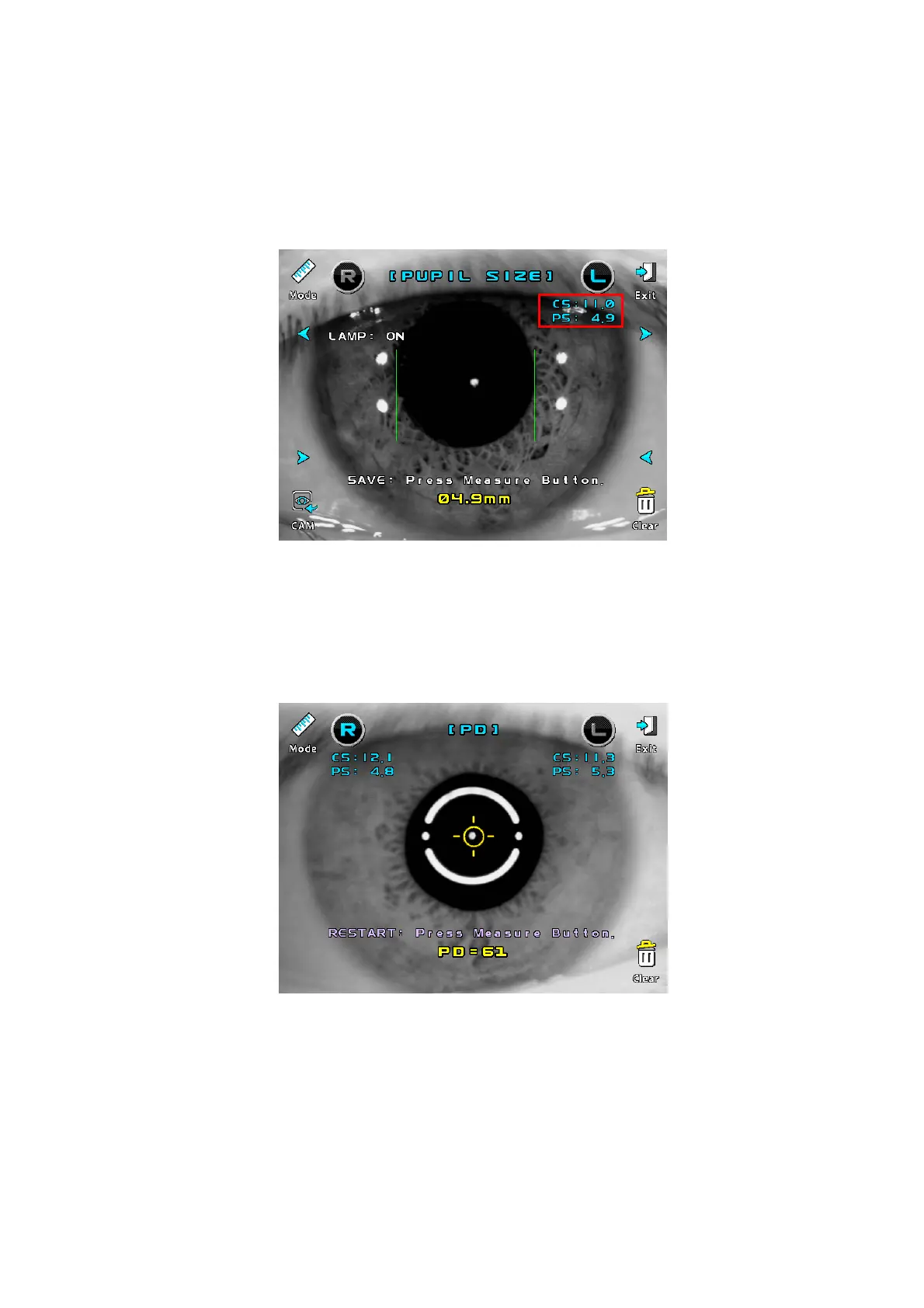
(4) PUPIL SIZE Measurement
Press the Mode button to select Pupil Size mode.
Press the measuring button to pause the window.
If the frozen image is not clear, you can unfreeze the image by pressing the CAM button.
To move the vertical bar by pressing the “>” button or “<” button.
(5) PD Measurement
Press the Mode button to select PD mode.
After proper alignment of the right eye and left eye, press the measuring button each
time
When the measurement is complete, the PD is displayed on the screen.
(6) Print
Press the Exit button Î The screen returns to the measurement screen.
Press the Print button Î The result of corneal diameter, pupil diameter, PD will be
printed as each item.



 To Next Page