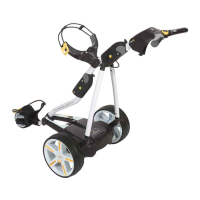
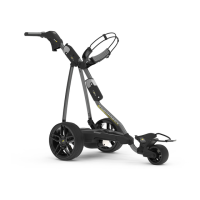
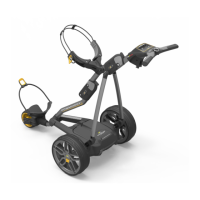
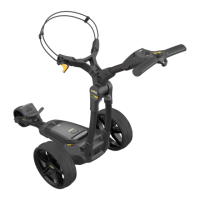
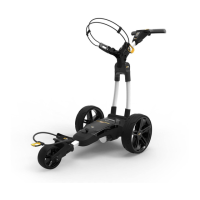
1 x Trolley | 1 x Battery | 1 x Charger | 2 x Wheels | 1 x Instruction pack
Thank you for purchasing the all new PowaKaddy. Please read the following instructions
carefully. Battery care is very important, please refer to Section 9 for detailed instructions.
When you receive your new PowaKaddy you will have the following:
Don’t Miss Out.
Register Now
www.PowaKaddy.com/my-PowaKaddy
Getting Started
2
Remove the front wheel assembly, wheels and frame
from the box.
Slide the front wheel assembly into the frame and
secure using the two Hex bolts and washers provided
in the Manual Pack using the supplied Hex Key.
Note: please save the hex hey for adjusting the
handle height, see Section 6.
Remove the axle caps and t the wheels by pressing
the release button and sliding onto the axle until the
clutch is engaged. Note: The wheels can be locked
into two positions on the axle; push onto the inner
groove to engage the clutches. The outer groove can
be used when drive is not required.
Product Warranty
1
Please take a moment to register your new products
to receive the *Extended Warranties.
You will require the serial numbers for the Trolley,
Battery and Charger. These are located on the
individual items. The serial number on the trolley is
located in the rear joint, See image.
*Terms and conditions apply. See powakaddy.com for details.


 To Next Page