EasyManua.ls Logo

Power-all FRUK19-3000HV-01V - User Manual

Power-all FRUK19-3000HV-01V
18 pages
Print Icon
To Next Page IconTo Next Page
Loading...
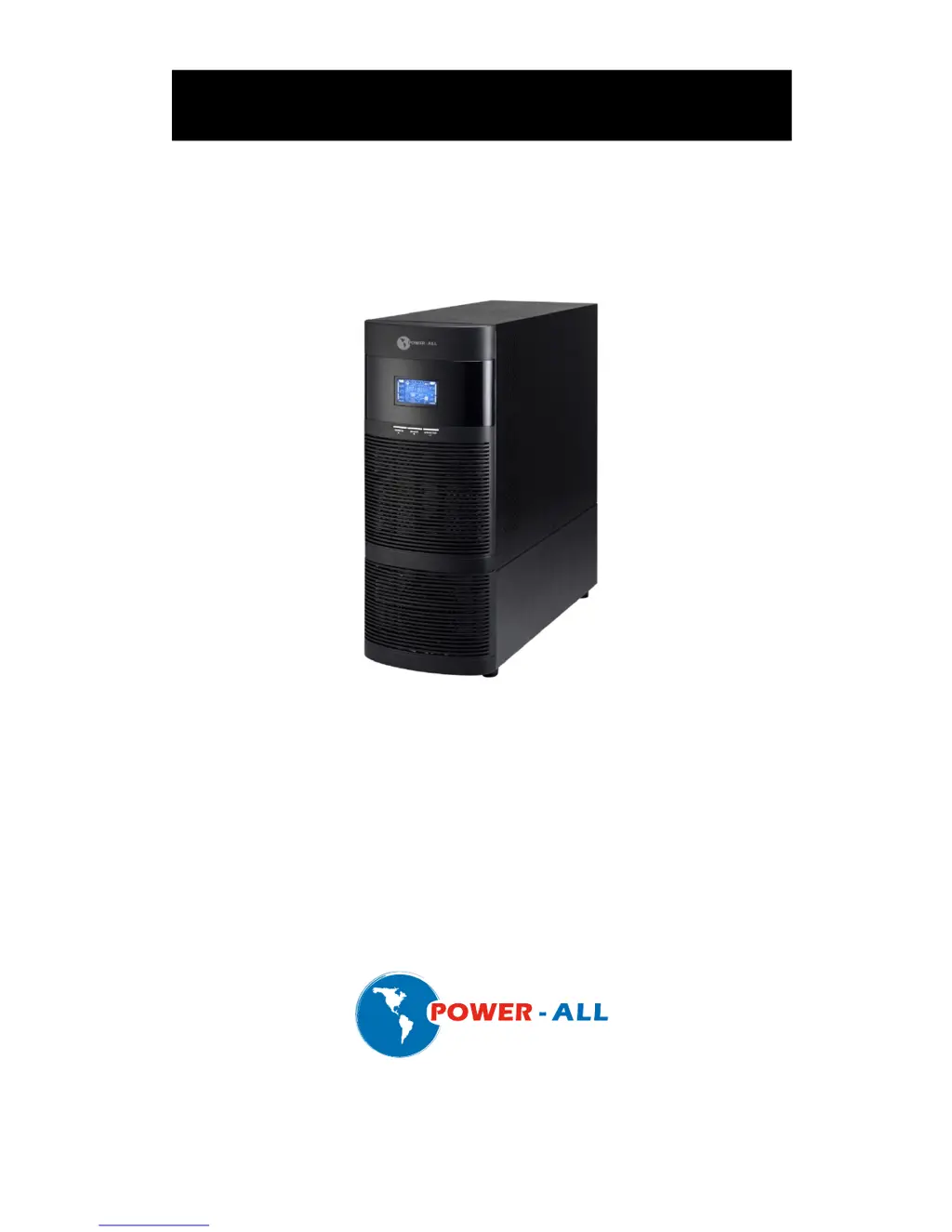
Online UPS
FRUK19-3000HV-01V
Uninterruptible Power Supply System
User Manual

Questions and Answers

  • H
    Heather WestJul 31, 2025
    What to do if the Power-all UPS battery backup time is shorter than expected?
    • C
      crobersonJul 31, 2025
      If the battery backup time of your Power-all UPS is shorter than expected, it could be due to the batteries not being fully charged. Try charging the batteries for at least 5 hours and then check the capacity again. If the issue persists, it may indicate a battery defect.
  • J
    Jeffrey AllenAug 5, 2025
    What to do if the Power-all FRUK19-3000HV-01V icon is flashing on the LCD display and the alarm is sounding twice every second?
    • R
      Robert SampsonAug 5, 2025
      This indicates that the Power-all UPS is overloaded. You should remove some of the devices connected to the UPS output to reduce the load. If the UPS has been repetitively overloaded, it might be locked in Bypass mode, feeding devices directly from the mains. In this case, first remove excess loads, then shut down the UPS and restart it.
  • H
    Heidi CastroAug 9, 2025
    What to do if fault code 43 is shown, the icon is lit, and the alarm is sounding continuously on my Power-all UPS?
    • N
      Natalie DoyleAug 10, 2025
      Fault code 43 on your Power-all UPS indicates that the UPS shut down automatically because of an overload at the output. To resolve this, remove some of the devices connected to the UPS to reduce the load, and then restart the UPS.
  • A
    ahollandAug 15, 2025
    What to do if fault code 14 is shown, the icon is lit, and the alarm is continuously sounding on my Power-all UPS?
    • A
      Amy HallAug 15, 2025
      Fault code 14 on your Power-all UPS indicates a short circuit on the UPS output. You should check the output wiring and any connected devices to see if they are causing a short circuit.
  • C
    Carly HarrisonAug 20, 2025
    Why is the icon flashing and the alarm sounding every second on my Power-all FRUK19-3000HV-01V UPS?
    • M
      mrussellAug 20, 2025
      If the icon is flashing and the alarm is sounding every second on your Power-all UPS, it could be due to the line and neutral conductors of the UPS input being reversed. Try rotating the mains power socket by 180° and then connect it to the UPS system. Another possible cause is that the external or internal battery is incorrectly connected; ensure all batteries are properly connected.
  • K
    Kayla BurgessAug 25, 2025
    How to fix Power-all UPS when there is no indication and alarm even though the mains is normal?
    • N
      nrollinsAug 25, 2025
      If your Power-all UPS shows no indication and alarm even when the mains power is normal, first check if the input power cord is firmly connected to the mains. Also, verify that the AC input power cord is correctly plugged into the AC input and not mistakenly connected to the UPS output.

Summary

Important Safety Warnings and Precautions

Transportation and Preparation Safety

Guidelines for safe transportation and environmental preparation of the UPS system.

Installation and Operation Safety

Safety measures for installing and operating the UPS, including socket and cable requirements.

Maintenance and Service Safety

Precautions for maintenance, service, and battery handling, emphasizing electrical shock risks.

Faults, Warnings, and Troubleshooting

Fault Reference Codes

List of fault codes, their causes, and corresponding icons for troubleshooting.

Troubleshooting Common UPS Issues

Solutions for common UPS symptoms like no indication, overload, and short circuits.

Troubleshooting Fault Codes and Battery

Addressing specific fault codes and issues with battery backup time and defects.

Power-all FRUK19-3000HV-01V Specifications

General IconGeneral
BrandPower-all
ModelFRUK19-3000HV-01V
CategoryUPS
LanguageEnglish

Related product manuals